4
5
1. Depending on the job, the
Blade
Collar
blade may be inserted with
the teeth facing up or
down. To install a blade,
twist collar in the direction
of the arrow while inserting
the blade into the clamp
until the tang butts against
the collar.
2. Release collar and the spring loaded mechanism
will clamp the blade fi rmly in place.
3.
Twist collar in the opposite direction of the arrow to
ensure that the blade is locked into the clamp.
4. Tug on blade to make sure it is securely locked in
place.
5.
To remove a blade, twist collar in the direction of the
arrow while pulling on the blade. Be careful when
handling hot blades.
Quik-Lok
®
Blade Clamp Maintenance
• Periodically clean dust and debris from the Quik-Lok
®
Blade Clamp with dry compressed air
.
•
If the collar resists twisting, twist it back and forth to
shake debris loose.
• Periodically lubricate Quik-Lok
®
Blade Clamp with dry
lubricant such as graphite.
Removing broken blades from the
Quik-Lok
®
Blade Clamp
Unplug the tool before removing blades. Broken blades
can be removed by the following methods.
• Point the tool downward, twist the collar, and shake the
tool up and down (do not turn the tool on while your
fi ngers are holding the blade clamp open). The shank
of the broken blade should drop out of the clamp.
• If shaking the tool doesn't work:
In most cases, a corner of the broken blade will extend
beyond the blade clamp. Simply twist the collar and
pull the broken blade out of the clamp by this corner.
• If the broken stub doesn't extend far enough to be grabbed
by its corner, use a thin blade with small teeth (such as
a metal cutting blade) to hook the blade that is jammed
in the clamp while twisting the collar and pull it out.
OPERATION
WARNING
To reduce the risk of injury, wear
safety goggles or glasses with side
shields.
Adjustable Pivot Shoe
The shoe can be adjusted forward or backward to six
positions to take advantage of the unused portion of the
blade or for special jobs requiring low blade clearance.
1. To adjust the shoe,
1/4 Turn
pull the shoe re-
lease lever down
1/4 turn and slide
the shoe forward or
backward to the
desired position.
2.
To
lock the shoe in
position, push the
shoe release lever
up.
3. After adjusting the shoe, slowly pull the trigger to be
sure the blade always extends beyond the shoe and
your work throughout the stroke.
DO NOT OPERATE SAWZALL WITHOUT SHOE.
STRIKING THE SPINDLE AGAINST WORK MAY
DAMAGE THE RECIPROCATING MECHANISM.
WARNING
To reduce the risk of injury, be sure
the blade always extends beyond
the shoe and work throughout the stroke. Blades
may shatter if they impact the work or shoe.
Stroke
Impact Protection System
All models are equipped with a unique patented
gearing system that provides effi cient power trans-
mission and extended life in the most diffi cult cut-
ting applications. This durable system will absorb
impacts, blade lock ups, and motor stalls. These
models can be used for extreme cutting applications
such as large diameter pipe, thick metal, pallets, and
heavy demolition and renovation work as well as for
general purpose cutting.
WARNING
Do not operate the Sawzall
®
with the
handle rotation button pressed in or
with the handle not locked into position.
Rotating the Handle (Cat. No. 6523-21)
The 6523-21 Sawzall
®
handle can rotate continu-
ously in either direction, allowing the user to achieve
optimal cutting positions and comfort. The handle can
be locked into one of eight (8) detent positions, one at
every 45° angle.
To rotate the
handle:
2
1
1. Unplug the tool.
2. Press in the handle rotation
button.
3
. Rotate the handle to the
desired position.
4. Release the handle rotation
button. This will lock the
handle fi rmly into position.
NOTE: Make sure the handle does not rotate before
using the tool.
WARNING
If the handle can not be locked into
position, do not operate the
Sawzall
®
. Return the Sawzall
®
to a MILWAUKEE
service facility immediately for repair.
To reduce the risk of personal injury, always hold
tool securely.
Starting, Stopping and Controlling Speed
1. To start the tool, grasp the handle fi rmly and pull the
trigger.
2. To stop the tool, release the trigger. Allow the tool to
come to a complete stop before removing the blade
from a partial cut or laying the tool down.
Orbit Control Switch
These Sawzalls
®
are equipped with an orbit control
switch. The tool may be operated with straight recipro-
cating (non orbital) or orbital action. Straight reciprocat-
ing action should be used when a smooth cut is needed.
Orbital action is recommended for fast, aggressive
cutting. The optimal orbital action should be determined
by the user for their specifi c cutting requirements.
1. For straight reciprocating action, move the orbit
control switch to the straight cut symbol
.
2.
For orbital action, move the orbit control switch to-
wards the orbital cut symbol
.
Straight Cut
Orbital Cut
No Load Strokes per Minute (SPM)
C
US
Underwriters Laboratories, Inc.
United States and Canada
FUNCTIONAL DESCRIPTION
5
7
8
9
10
1
3
Cat. No. 6523-21
6538-21
2
Cat. No. 6520-21
6536-21
11
6
6
11
10
10
9
8
7
3
4
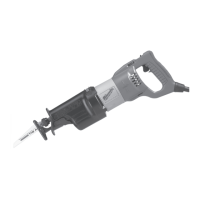
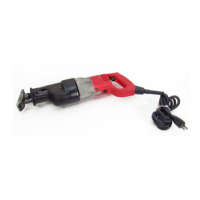
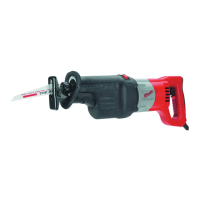
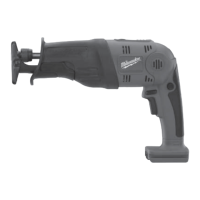
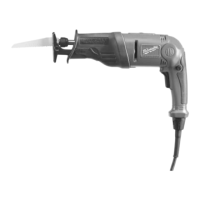
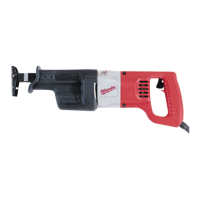
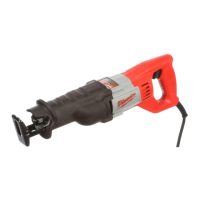
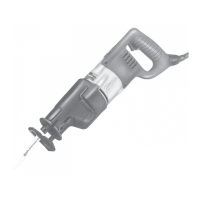
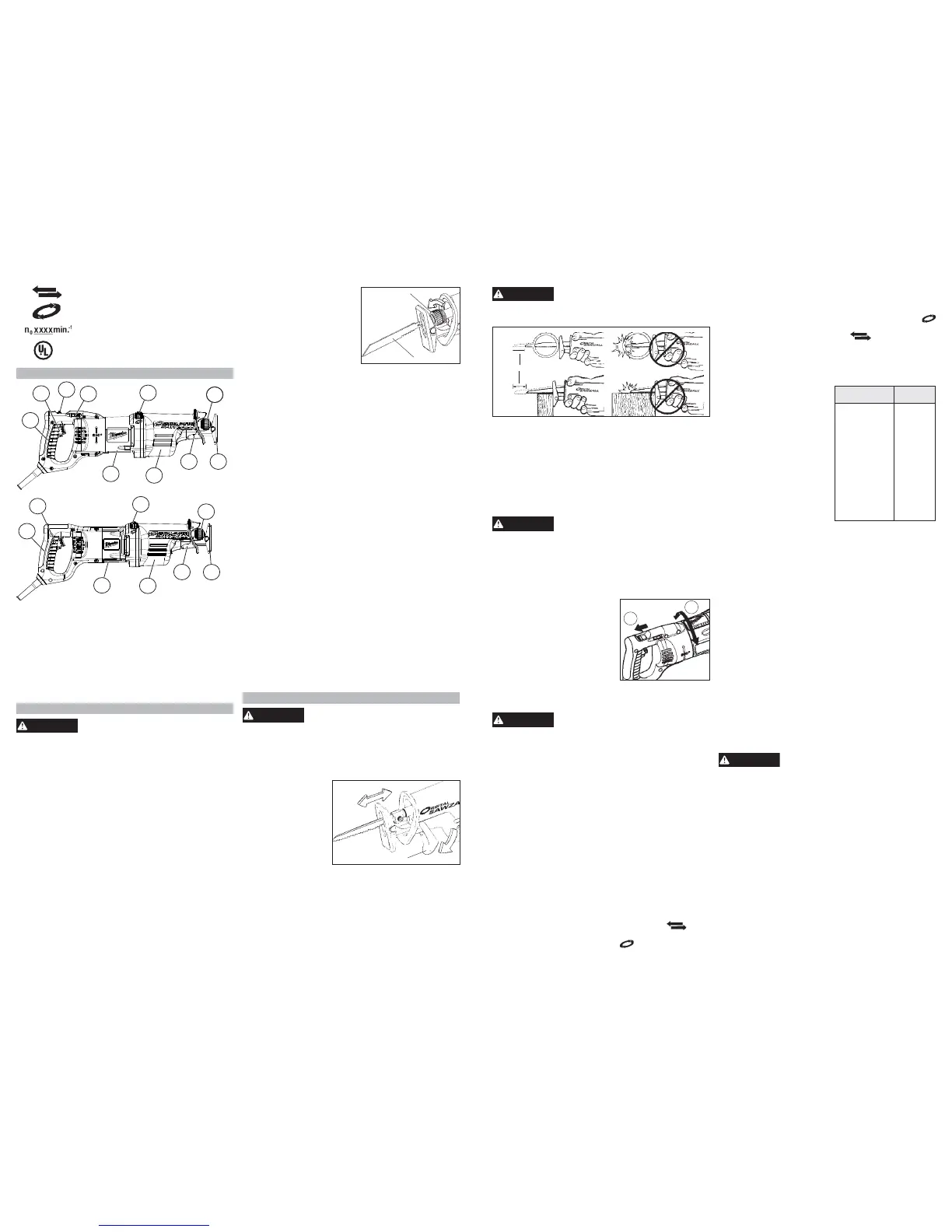
1. Speed control dial
2. Handle rotation button (6523-21 only)
3. Trigger
4. Handle
5. Rotating handle (6523-21)
6. Nameplate
7. Insulating boot (gripping surface)
8. Shoe release lever
9. Adjustable pivot shoe
10. Quik-Lok
®
blade clamp
11. Orbit control switch
ASSEMBLY
WARNING
To reduce the risk of injury, always
unplug tool before changing or re-
moving accessories. Only use accessories spe-
ci
fi
cally recommended for this tool. Others may be
hazardous.
Selecting a Blade
Use MILWAUKEE Sawzall
®
Blades for best perfor-
mance. When selecting a blade, choose the right type
and length. Many types of blades are available for a
variety of applications: cutting metal, wood, nail-em-
bedded wood, scroll cutting, roughing-in, and contours.
Many lengths are also available. Choose a length long
enough to extend beyond the shoe and your work
throughout the stroke. Do not use blades less than
3-1/2" long since they won't extend beyond the
shoe throughout the stroke.
For best performance and longest life, see “Acces-
sories” to select the best blade for the job.
Quik-Lok
®
Blade Clamp
Unplug the tool before changing blades. Be sure the
spindle and blade clamp areas are clean. Metal chips
and sawdust may prevent the Quik-Lok
®
Blade Clamp
from clamping securely.
The amount of orbital action may be adjusted by mov-
ing the orbital control switch to any position between
the two symbols. For larger orbital action, move the
orbit control switch closer to the orbital cut symbol
. For smaller orbital action, move the orbit control switch
closer to the straight cut symbol
.
Orbital action may be adjusted when the tool is running.
NOTE: Orbital action will not operate if the blade is
installed upside down.
Selecting the Speed Range
The speed control dial controls
MATERIAL
DIAL
SETTING
Mild Steel
Wood
Nail-Embedded
Wood
Stainless Steel
Drywall
Fiberglass
Plastics
Cast Iron
Non-Ferrous
Metals
2-3
5
5
1-3
4-5
1-3
1-3
2-3
2-3
the maximum strokes per
minute. The speed will re-
main variable to the chosen
dial setting by use of the
trigger switch. Refer to the
chart for recommended dial
settings.
*These are only suggested set-
tings; the actual optimal setting
may vary depending on line
voltage, blade selected and
user preference.
Trigger Speed Control Switch
These Sawzalls
®
are equipped with a trigger speed
control switch. It may be operated at any speed from
zero strokes per minute to full speed. Always start tool
before blade contacts the workpiece. To vary the speed,
simply increase or decrease the pressure on the trigger.
The further the trigger is pulled, the greater the speed.
To stop the tool, release the trigger and allow the tool
to stop completely before removing from a partial cut
or before laying the tool down.
General Cutting
For straight or contour cutting from an edge, line the
blade up with your cutting line. Before the blade con-
tacts the workpiece, grasp the handle fi rmly and pull
the trigger. Then guide the tool along your cutting line.
Always hold the shoe fl at against the workpiece to avoid
excessive vibration.
Cutting Metals
Begin cutting at a slow speed, gradually increasing
speed as you cut. When cutting into metals or hard
materials that can not be cut from an edge, drill a
starting hole larger than the widest part of the blade.
Extend blade life by using a solid blade cutting lubricant.
WARNING
To reduce the risk of explosion,
electric shock and property damage,
always check the work area for hidden gas pipes,
electrical wires or water pipes when making blind
or plunge cuts.
Plunge Cutting
Your MILWAUKEE Sawzall
®
is ideal for plunge cutting
directly into surfaces that can not be cut from an edge,
such as walls or fl oors. Orbital action is recommended
for plunge cutting. Plunge cutting may be done two
ways depending on how the blade is inserted. Column
A shows how to plunge cut with the teeth of the blade
facing down. Column B shows how to plunge cut with
the teeth of the blade facing up.
NOTE: Orbital action will not operate if the blade is
installed upside down.
Do not plunge cut into metal surfaces (see “Cutting
Metals”).
1. Insert the blade into the tool.
If you inserted the blade with the teeth facing down-



 To Next Page
 Loading...