22 M12 160x120 Thermal Imager Operator’s Manual
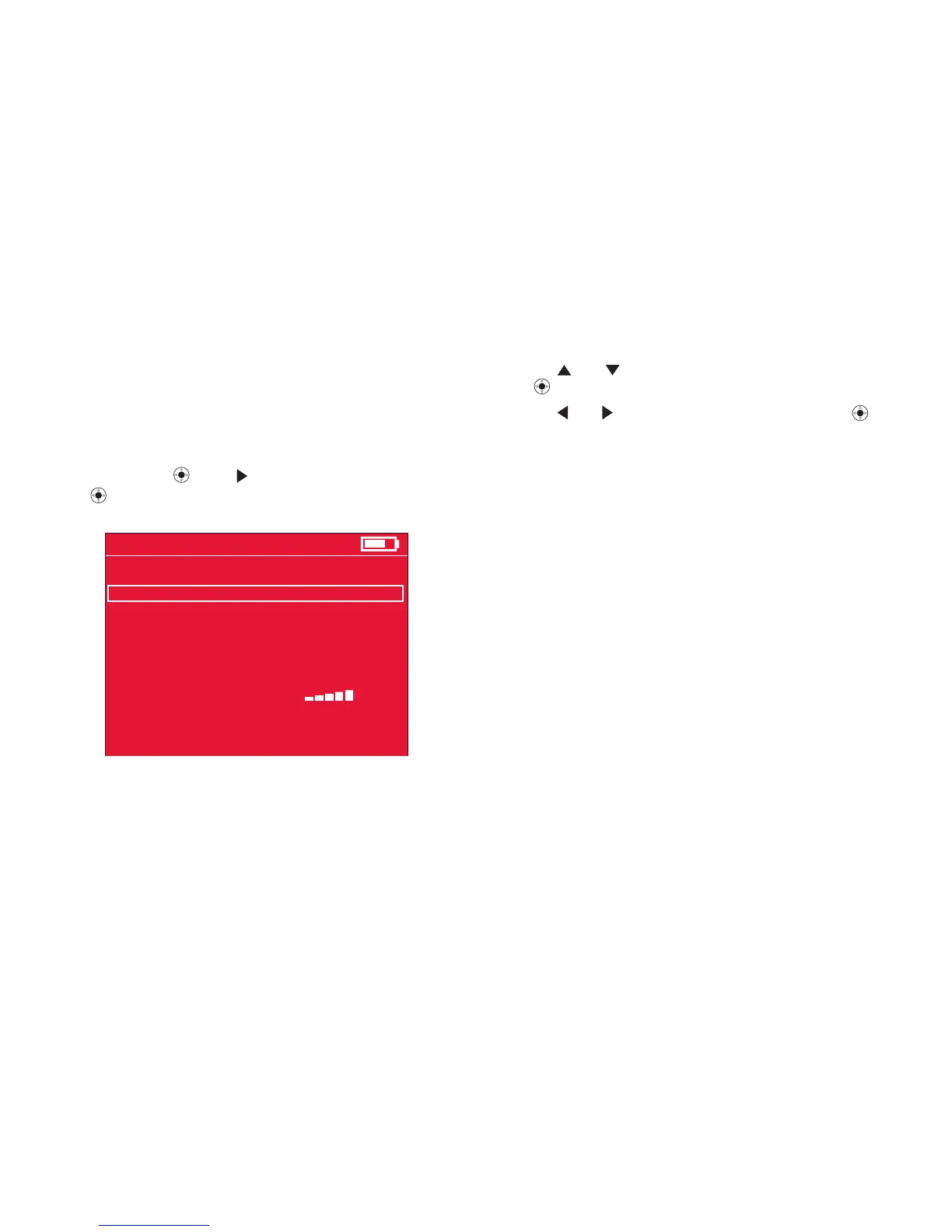
1 Press and to select the menu item to set, followed
by
t to conrm your slection.
2. Press
and to change the setting, followed by
to conrm the change. Changes you make to settings
remain in effect even after you turn off the power and
turn it back on again.
Use the SETUP menu to set the TIME, TIME FORMAT,
DATE, DATE FORMAT, SCALE (˚F or ˚C), BRIGHTNESS,
LANGUAGE, and the way to erase images on the installed
SD memory card. To call up the SETTINGS menu, from
live mode press
, then if needed to select SETTINGS,
then
to conrm your selection. The SETTINGS menu is
shown in Figure 15.






 To Next Page