PAGE 7 OF 22
▣ Connections and Installation
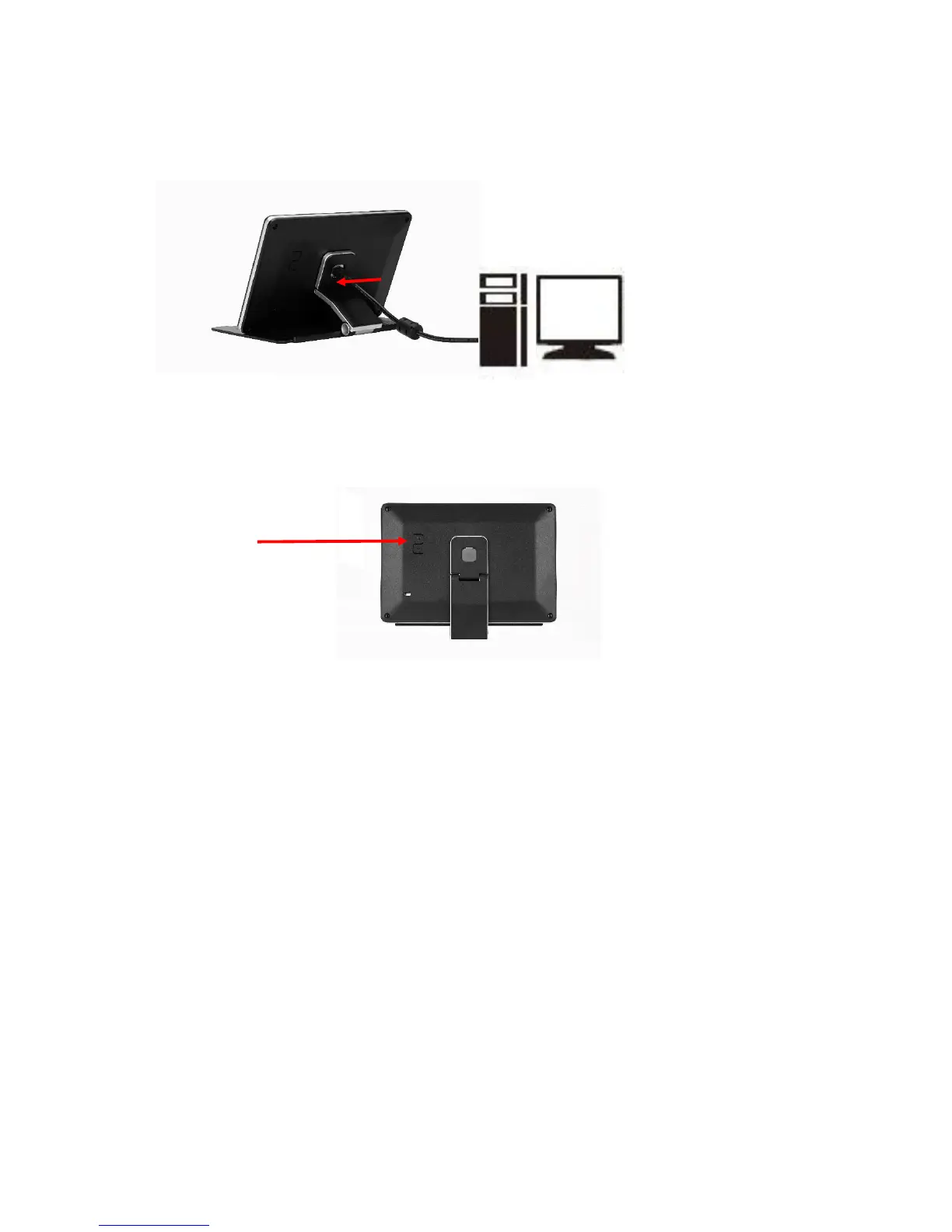
MIMO requires USB connection only.
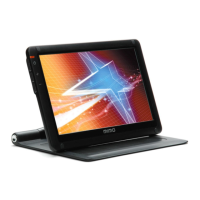
① USB Cap: USB mini B type connector inside
▶
Buttons
▶ System Requirements
• CPU : Intel Pentium/Celeron/AMD/K6/Athlon/Duron 1.2GHz or above
• RAM : 512MB RAM or above
• USB : at least one or more USB2.0 port
• HDD : 30MB HDD space above
• O/S : Windows 2000 SP4/XP SP2 32bit/Vista 32bit
▶ Using the Software
With only USB cable connection, a user may operate MIMO as an Extension monitor with Touchscreen Panel
(UM-760R, UM-760RF, UM-760C, UM-760CF). For more detail functions and feature please refer to page 5
“Product Features”)


 To Next Page