Page 8
DAVID PAL36 with CES DIAGRAMS
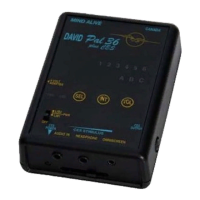
Figure 1 – Front Panel
(1) Power Switch (OFF/PWR/LIB1/LIB2) – Set to PWR to turn the
PAL36 with CES on and to select Library 1 (LIB1) sessions or
Library 2 (LIB2) sessions.
(2) Library 2 Light (LIB2) – Indicates that sessions in Library 2 have
been selected.
(3) Power Light (PWR) - Indicates that the PAL36 with CES is on or
in standby.
(4) 9-Volt Adapter Jack – Insert adapter plug into adapter jack (use a
9-volt adapter with 1.3 mm plug and centre positive).
(5) Session Number Lights (1 - 6) – Indicates the session number.
They are also used to display the battery power, intensity, and
volume levels.
(6) A B C Indicator Lights - Indicates the session number.
(7) VOL Button (Volume) – Note: button raised to guide you in
locating with eyes closed during sessions. Use to increase or
decrease the volume of the tones. Also used to clear most recently
played sessions.


 To Next Page