- resets the VNC password to [no password].
Note:
Blackbox device: DHCP is deactivated and the xed IP address 192.168.1.2 is set;
see also Chapter 2.8.2.
4.5 Network share connections
In this menu item (under System setup), the parameters for shared directories (network
share connections) are congured and made available for system maintenance (e.g.
storing/saving data on the network).
- [Add], see Chapter 4.5.1.
- [Change], see Chapter 4.5.2.
- [Remove], see Chapter 4.5.3.
The following order must be observed without exception:
- One or more directories on the server/notebook/PC must be shared; see the manual
for the operating system in question (e.g., Windows 7: click the directory, right-click
on [Advanced Sharing…] and activate [Share this folder]. Then click [OK].)
- In the menu [Operating]- [System setup]- [Network share connections] , congure
the connections to the shared directories on the server/notebook/PC.
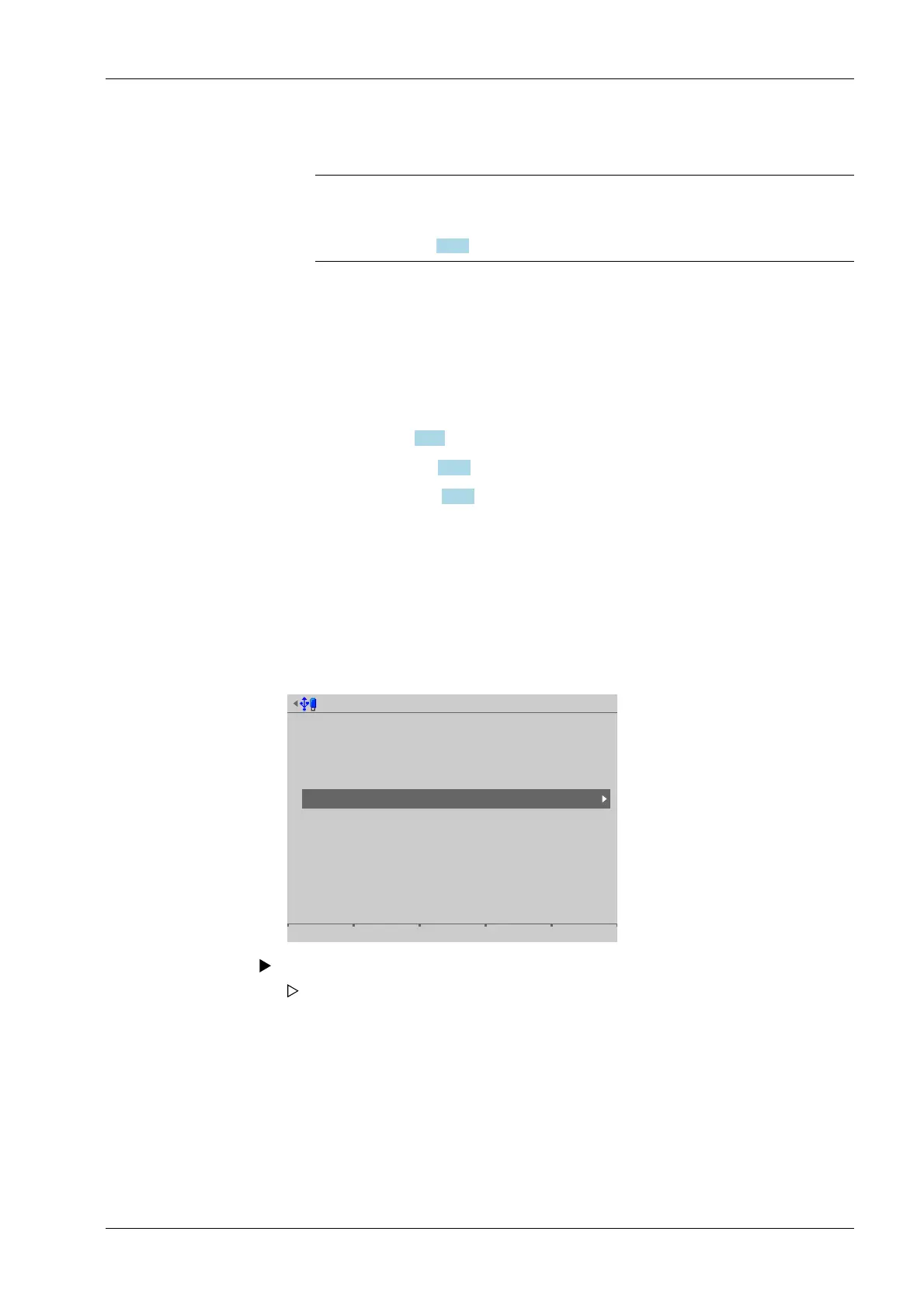
Accessible via MENU - [Operating]- [System setup]- [Network share connections] .
System setup @admin
Connected devices
Date & Time
Operating parameters
Network parameters
Network share connections
Fieldbus parameters
Weighing points
Display settings
License settings
User management
Alibi memory
3. Press the [Save] soft key to save the settings.
Select and conrm [Network share connections].
The window listing the available network share connections opens.
4 System setup Process Controller Maxxis 5 PR 5900
EN-83 Minebea Intec


 To Next Page