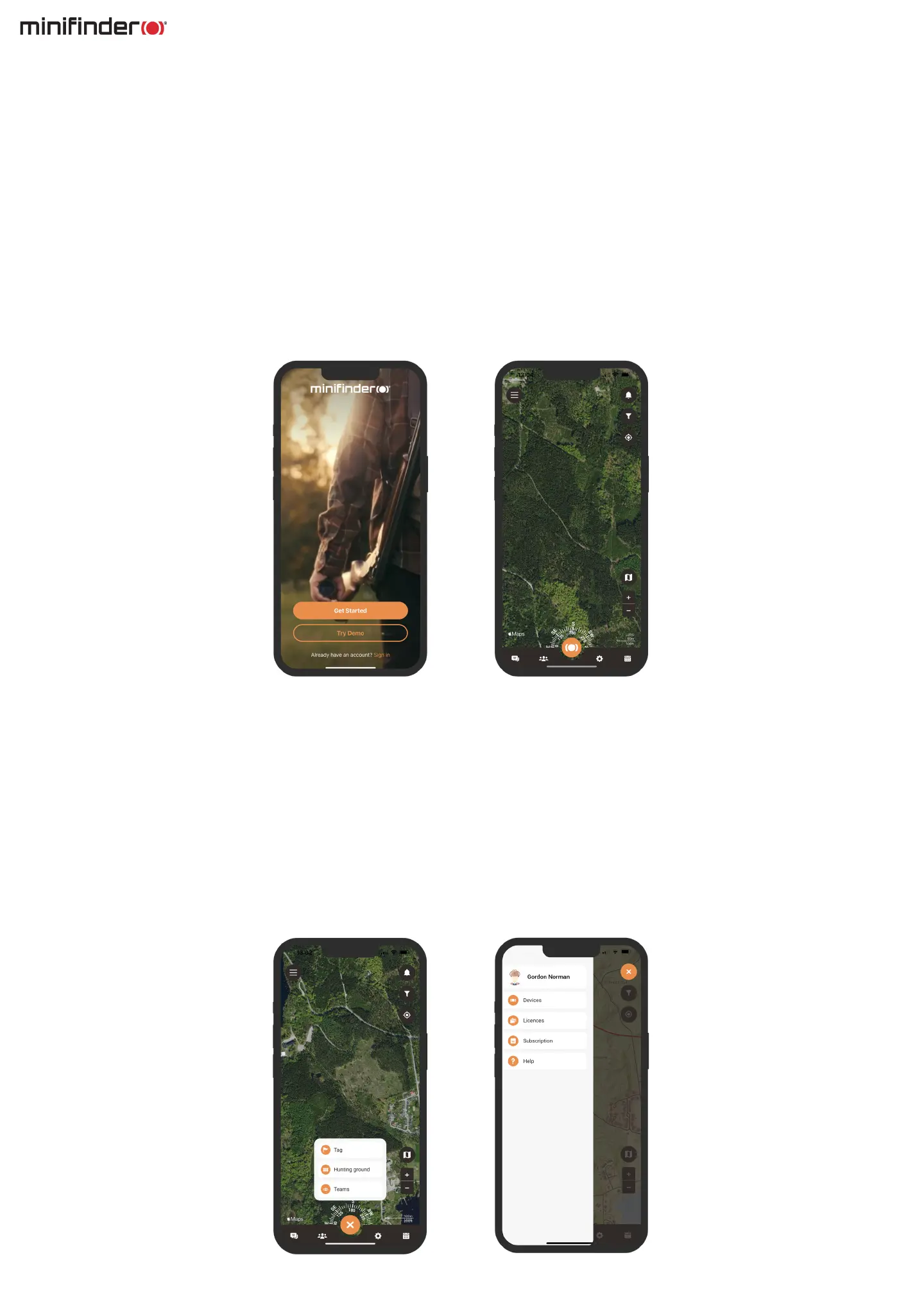
App overview
Menu
To access the quick menu, simply click on the orange MiniFinder button. This will allow you to
quickly access key features such as the Tag function, Hunting grounds, and Teams.
Additionally, there is another menu located in the top left-hand corner of the screen.
By clicking on this menu you access your prole, devices, licenses, subscription, and help function.
Download MiniFinder Hunter
Once you have downloaded the app, the initial step is to create an account. Simply input your email
address and a password to get started. Once logged in, you will be presented with an app overview,
which is displayed on the right-hand side of your screen.
Within the overview, you will nd a plethora of functions that will enhance your hunting experience,
making it both more efcient and secure. In this manual, we will delve into some of the features
offered by the app.



 To Next Page