Manual MiniFlex 298330863 rev 0 page 9 from 34
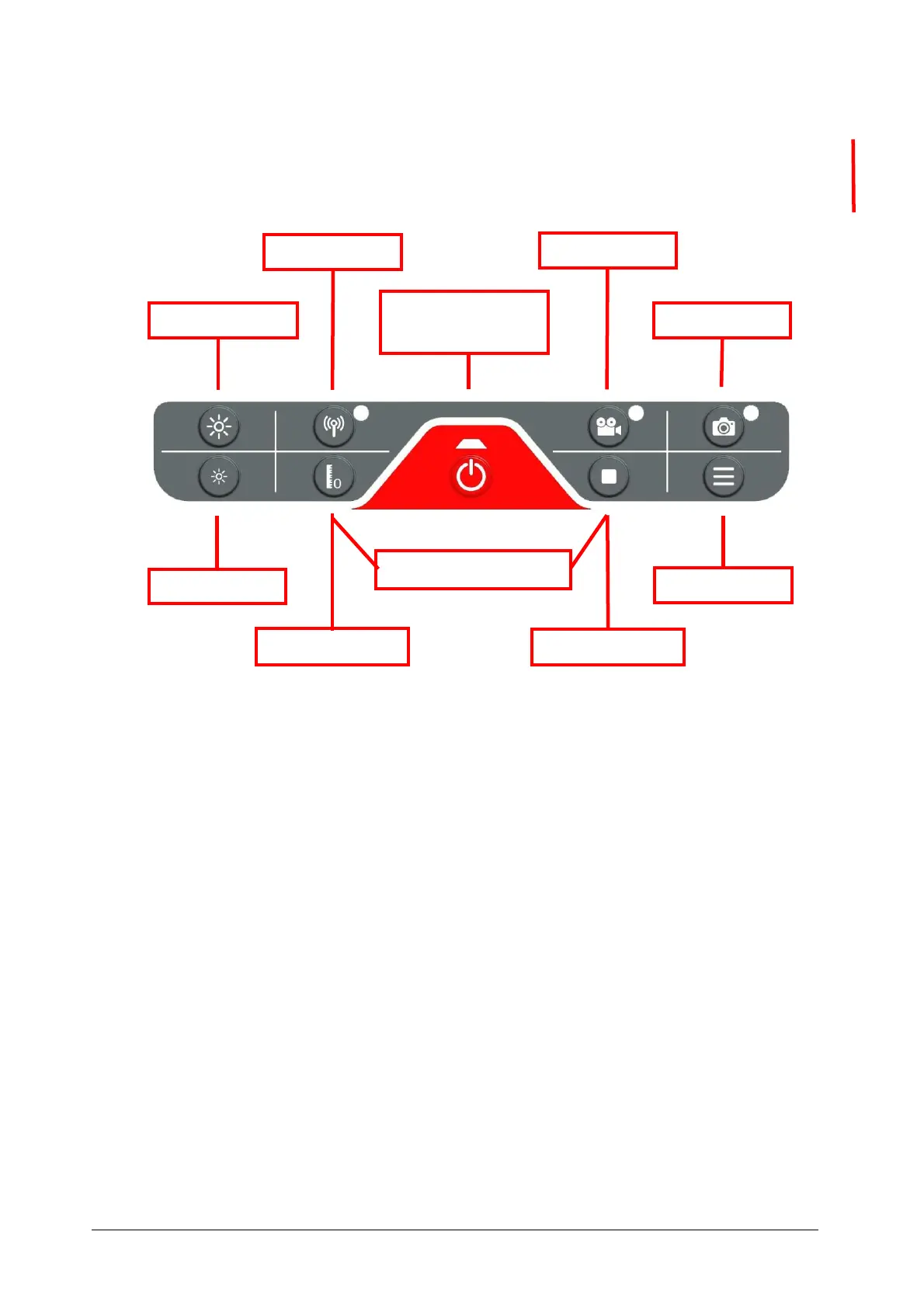
3.5 Control panel
The control panel of the MiniFlex contains the following functions:
3.6 Using the transmitter
The camera head of the MiniFlex 19 and 36 is equipped with a 512 Hz transmitter.
Using a receiver, the camera can be located without digging. During use of the
transmitter the image will show stripes. These disappear again immediately after
switching off the transmitter.
Switching on is easy, by pressing the button on the controller. While switching on, the
lighting is dimmed or turned off. When the transmitter is on, the lighting cannot be
adjusted.
Switching off is done by pressing the button again. When the transmitter is turned off,
the lighting returns to the previously set brightness.
Enabling the transmitter is not possible if recording is active.
When the transmitter is on, no recording or picture can be taken
With the MiniFlex 19, there are 2 transmitter strengths
1- "Normal" 1 x press the control button
2- "High power" 1x press and hold the control button, picture turns black and an
animation is shown.
Turning the
system on/off



 To Next Page