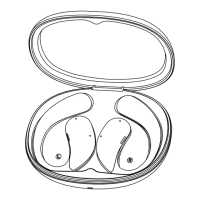
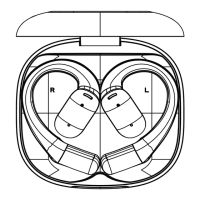
Charging compartment operation
Note 1: First time use,please activate power on
Method 1.Charge and activate the charging case through the TYPE-C interface.
Method 2.Long press the multifunctional button on the charging case for
8 seconds to turn on the device
Tip: This product defaults to shutdown mode when it leaves the factory, First use
requires activation and startup.
Method 1: Open the charging compartment cover and the display
screen will automatically light up.
Method 2: When the screen is off, click on the display screen to turn it on.
Method 3: Press the multifunctional button of the Charging Case once to
light up the screen.
Lighting up the display screen
Automatic shutdown: After turning on the screen for 10 seconds without
operation, the display screen will automatically turn off.
Manual closing: Press the Charging Case multifunctional button once to
turn off the display screen.
Turn off display screen.
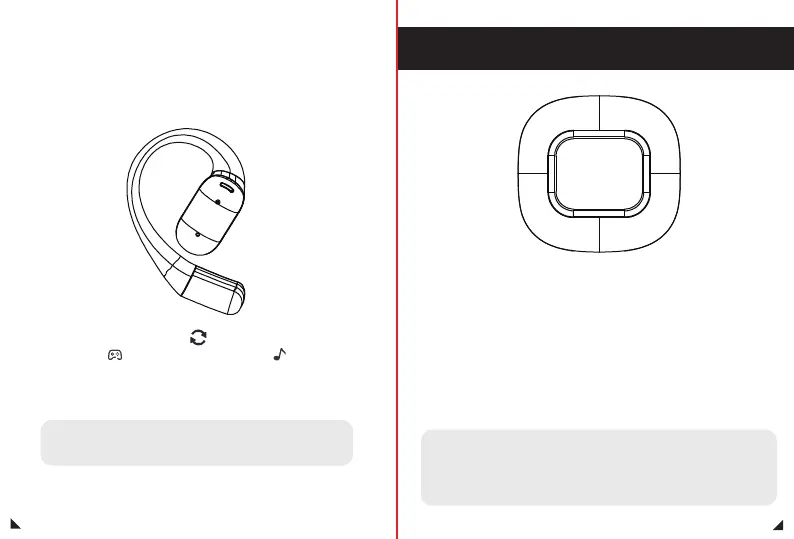
Switch between game mode
and music mode
20
21
Game mode
Click the multifunction button on your right ear 3 times in a row
Music mode
Note 1: When using one earphone, you cannot switch between
game mode and music mode.
Note 2: The factory setting defaults to music mode


 To Next Page