Touch Operation
Connect with Bluetooth device
Indicator Light Description
12
13
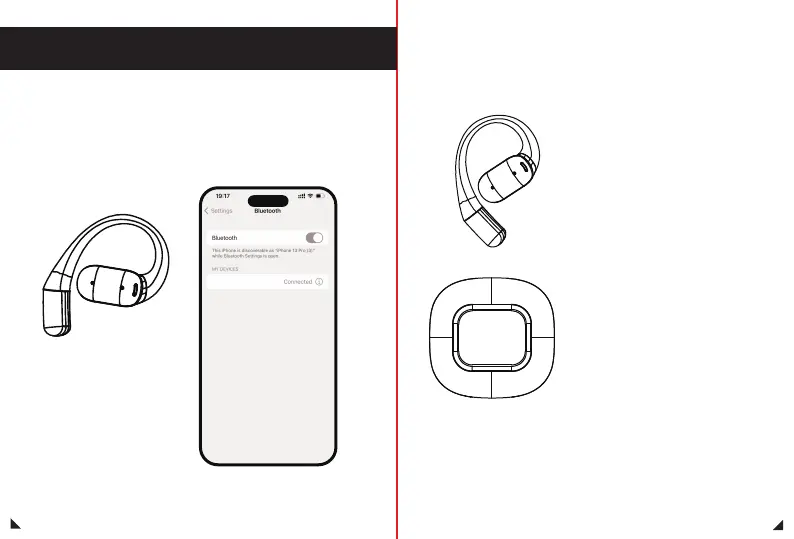
Open the Bluetooth settings
option of the Bluetooth device
to be paired, enter the options
and find the Bluetooth pairing
name of the headset
“MINISO-M93”.Click the
pairing name to pair.
· When the headset is turned on:the
white light and the red light flash
alternately
· When the headset is turned off:
After the red light is on, it goes out
· Pairing status: white light and red
light flash alternately
· Connection successful: no light
· Headphone Charging: The red light
on the earphones is always on.
After being fully charged, the red light
on the earphones goes off.
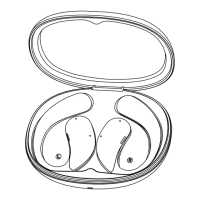
· Charging of the Charging case:
The charging case display screen shows
the battery level, and when fully charged,
the charging case screen shows 100%
MINISO-M93


 To Next Page