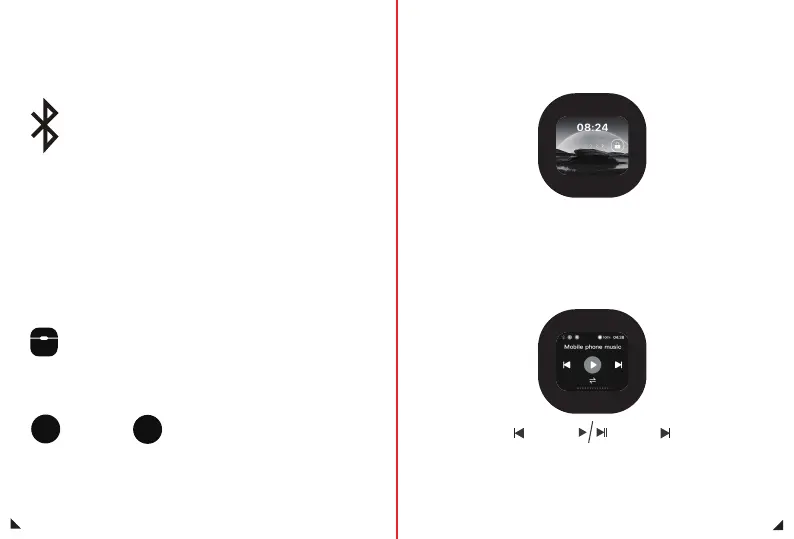
Bluetooth status
Red status: The charging compartment is not connected to the headphones
White status: The charging compartment is connected to the earphones,
but the earphones are not connected to the phone
Blue status: The charging compartment is connected to the headphones,
and the headphones are connected to the phone.
Icon Introduction
Music interface
22
23
Play/PausePrevious Song Next Song
Battery status
Charging status indicator icon for the charging compartment
Headphone charging status indicator icon
Green: Charging in progress
White: Normal battery level, not charging
Green: The earphones are charging in the Charging Case
White: Normal battery level, not charging
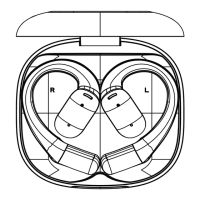
L R
Lock screen interface
Unlock: Slide to the right to unlock the screen


 To Next Page