3
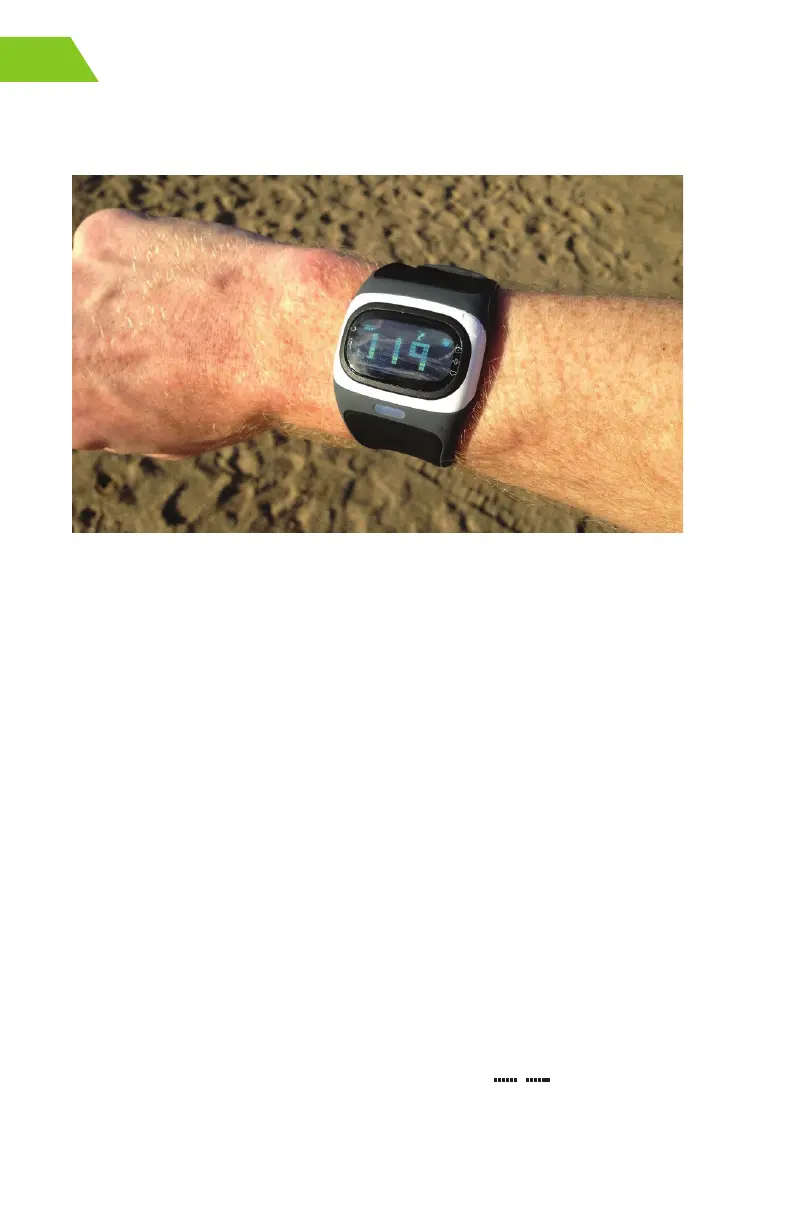
t When you’re not using the heart rate monitor, you can wear your Alpha like any
other watch
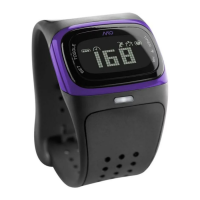
Photo credit: DC Rainmaker
Remember these tips while trying the watch on a customer’s wrist and see the
Troubleshooting section (pg. 4) for additional tips.
HOW TO GET YOUR HEART RATE
You can view your heart rate and use the heart rate monitor when you put your
watch in EXERCISE mode. You must be wearing the watch for it to read and
display your heart rate. The heart rate may take a few extra seconds to stabilize
while your body is adjusting to the physical activity; we recommend wearing your
Alpha during the warm up stage of your workout.
Turning On Exercise Mode
1. Fasten Alpha tightly on your arm above your wrist bone.
2. Press and hold the HR button until the watch beeps and the display
says FIND.
3. Hold your arm fairly still until the watch beeps again and displays your
heart rate.
Note: It takes a few seconds for your heart rate to register. The icon flashes when
Alpha finds your heart rate.
If you don’t get a heart rate but the watch face shows
, please refer to the
Troubleshooting section (pg. 4).


 To Next Page