Operating Manual
WIRELESS AMPLIFIER
- 14 -
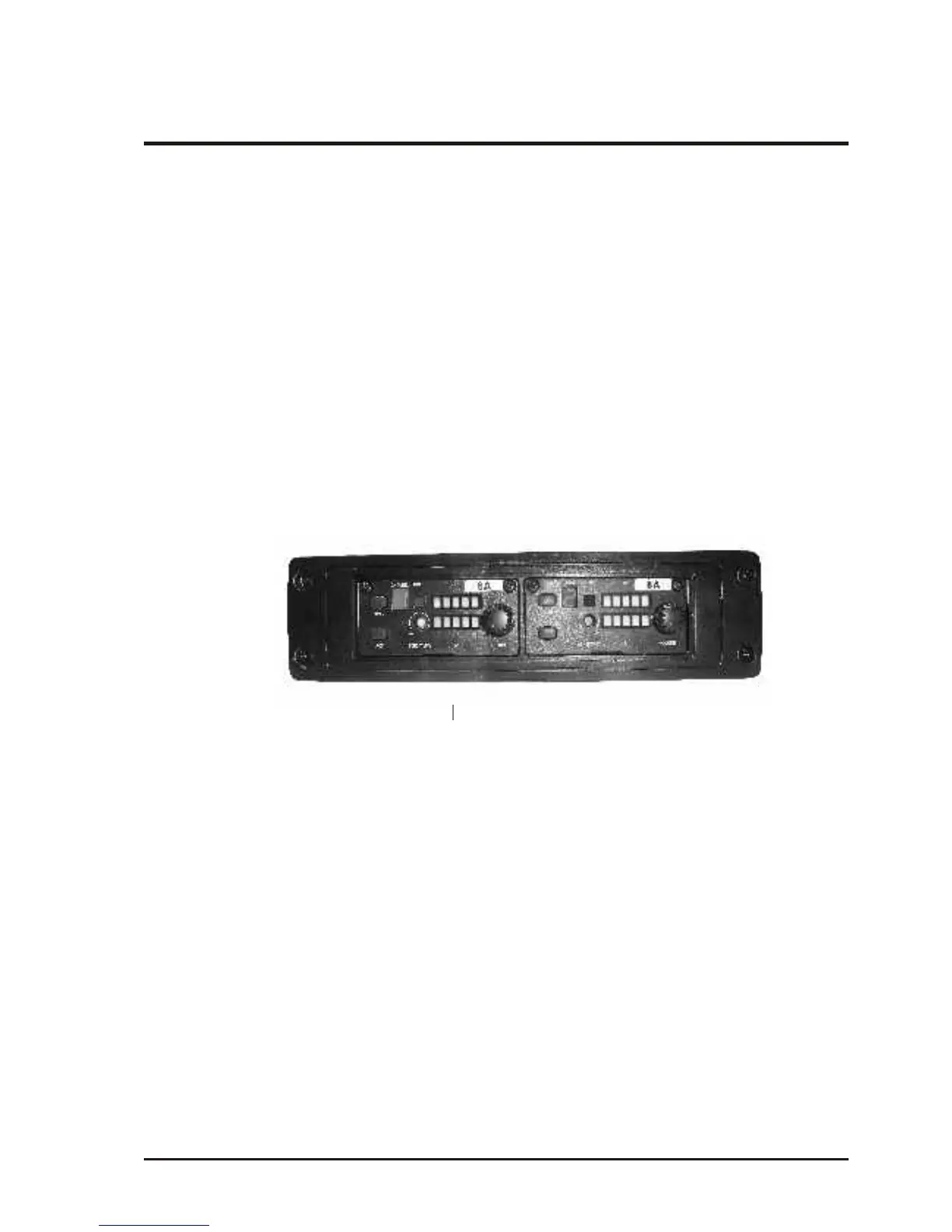
(2) Additional installation of MRM-72 receiver module:
1. Steps of MRM-70 installation as following:
1. Remove the fixed spare cover from the above of MA-708 operation panel.
2. Push the MRM-72 module in horizontal direction into the spare installation
slot.
3. Fasten the front panel of module with screws.
4. Furthermore to have the optional MRM-70 wireless receiver module installed
into the slot of MRM-72.
5. Steps of installation or changing MRM-70 receiver module, details as below:
A. Have the fastening screws removed from the original module.
B. To withdraw the old receiver module by using the screw driver with flat
head.
C. Then install the new module and fasten it by tightening the screws.
MRM-70
MRM-72



 To Next Page