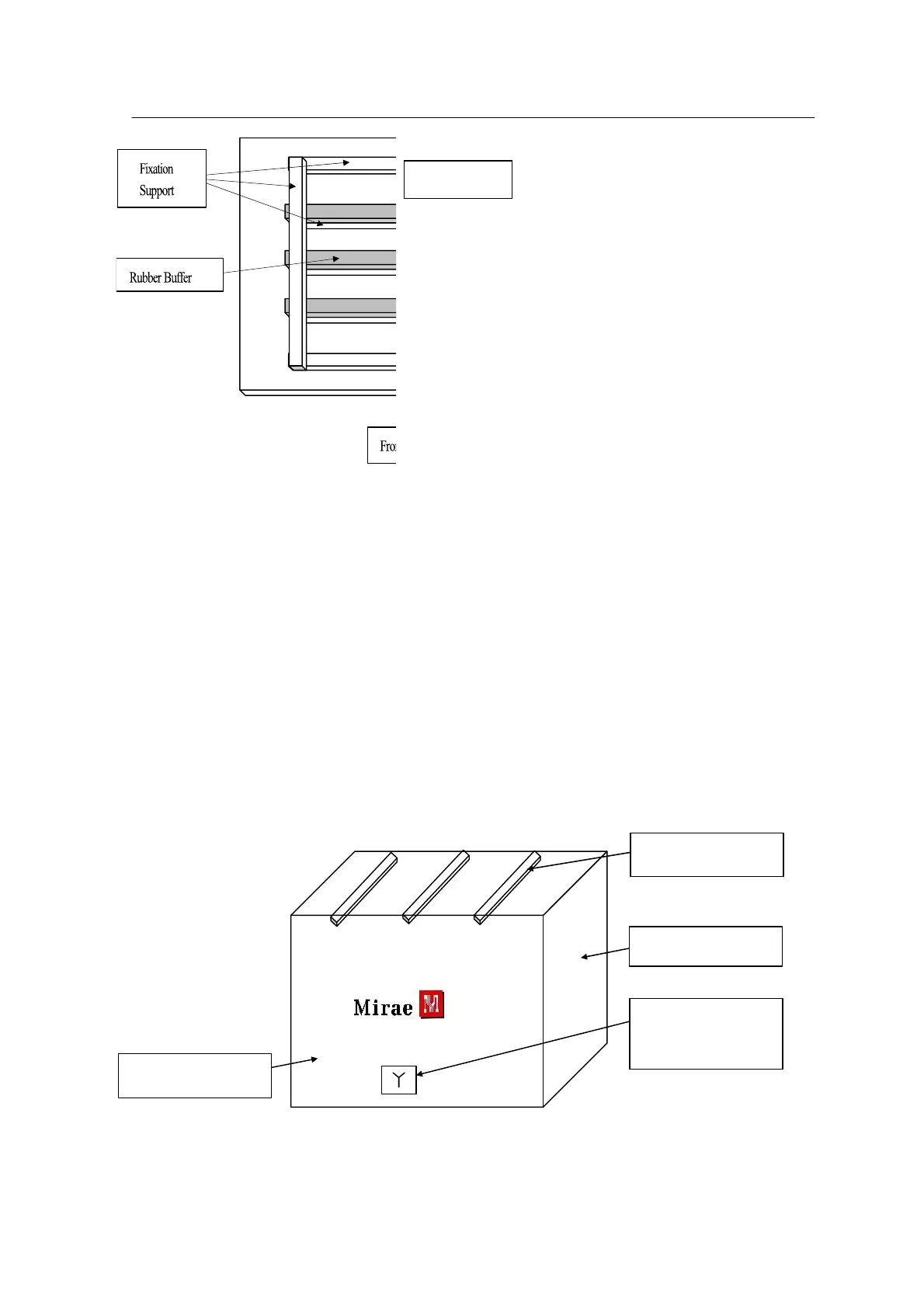
<Figure 3-1 가 Packing pallet >
10. Before fixing the equipment with the fixation supports, insert rubber buffers between
the fixation supports and the equipment to protect the equipment.
Place the fixation supports at the four edges of the pallet and then fix
the equipment.
11. Place all packing plates except for the top one on the pallet and fix each packing
plate with M8 bolts (using a wrench)
12. As shown in the figure below, place three fixation supports on top of the packing plate
and fix the supports to the packing plates on the front and rear. This ensures that a space
the thickness of the support will protect the equipment from the upper packing plate.
* Note: The wooden plate marked with a Mirae logo is the packing plate for front or rear.
<Figure 3-2 가 Upper fixation support >



 To Next Page