EasyManua.ls Logo

Miranda NV8144 - Setting Redundant Crosspoint Switching

Default Icon
140 pages
Print Icon
To Next Page IconTo Next Page
To Previous Page IconTo Previous Page
Loading...
88 Rev 2.2 • 27 Mar 10
2. Installation
Connecting to Power
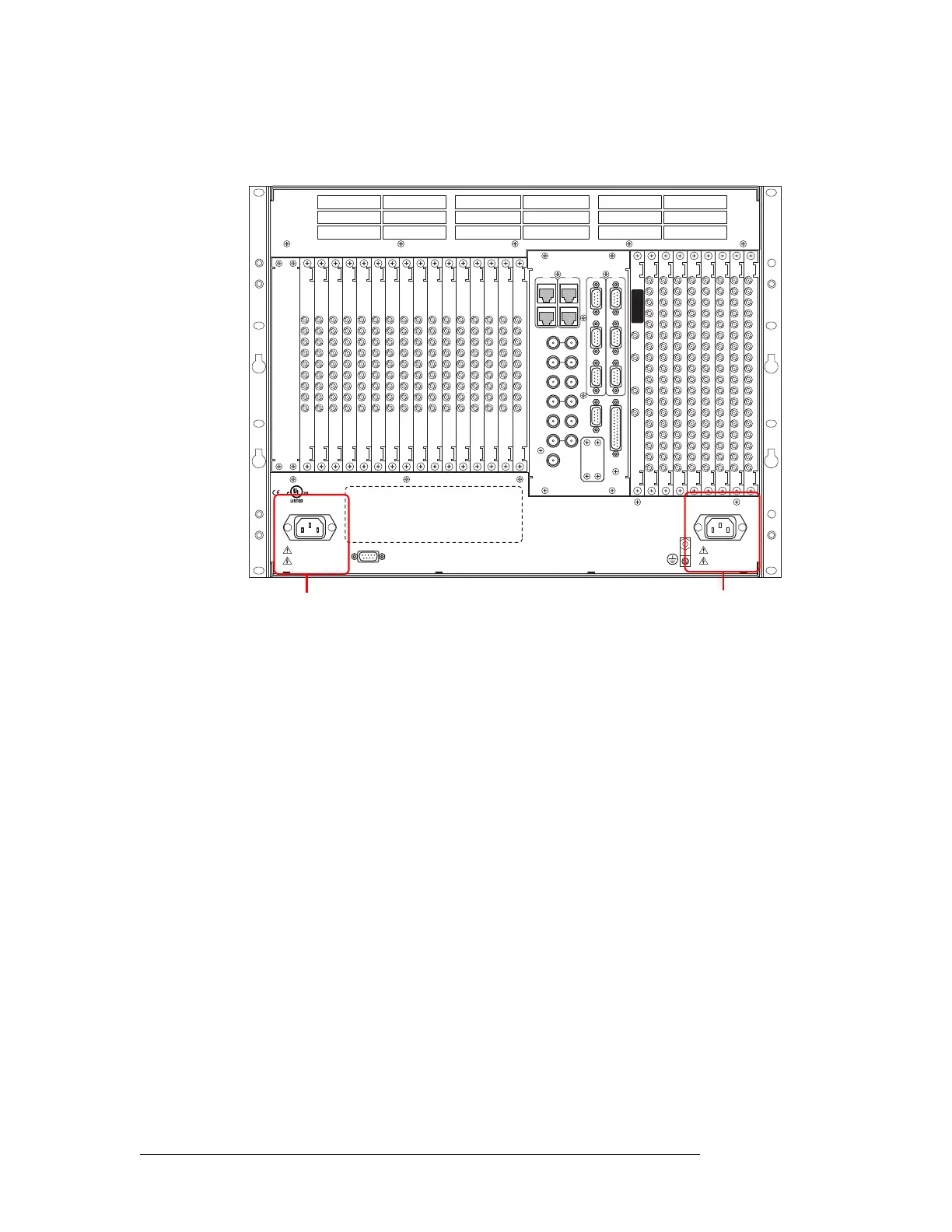
2 Facing the rear of the router, connect power cords from AC power sources (90–230 VAC, 50–
60 Hz) to power supply connections ‘Power Input 1’ and ‘Power Input 2’:
Figure 2-31. NV8144 Power Supply Connections on Router
DIAG (38.4 Kbaud)
CONTROL
IN 1
MONITOR
OUTPUT
IN 2
OUT 2 OUT 1
POWER
SUPPLY
i
MONITORS
TIME CODE
NVISION AUX BUS
RTR EXP OUT
RTR EXP IN
AES REF 1
AES REF 2
VIDEO REF 2
VIDEO REF 1
RTR EXP
10/100 BT
RTR EXP
10/100 BT
CTRL 1
CTRL 2
ALARMS
CTRL 1
CTRL 2
DIAG (38.4 Kbaud)
PRI
SEC
SEC
PRI
90-130V~/180-250V~
12.5A/6.25A
50/60Hz
1125 WATTS MAX
PS1
PS2
90-130V~/180-250V~
12.5A/6.25A
50/60Hz
1125 WATTS MAX
E146905
CNTRL NO. 9K50
PROFESSIONAL
VIDEO/AUDIO
ALARMS
Power
Input 1
Power
Input 2

Table of Contents

Related product manuals