8
Oscillation
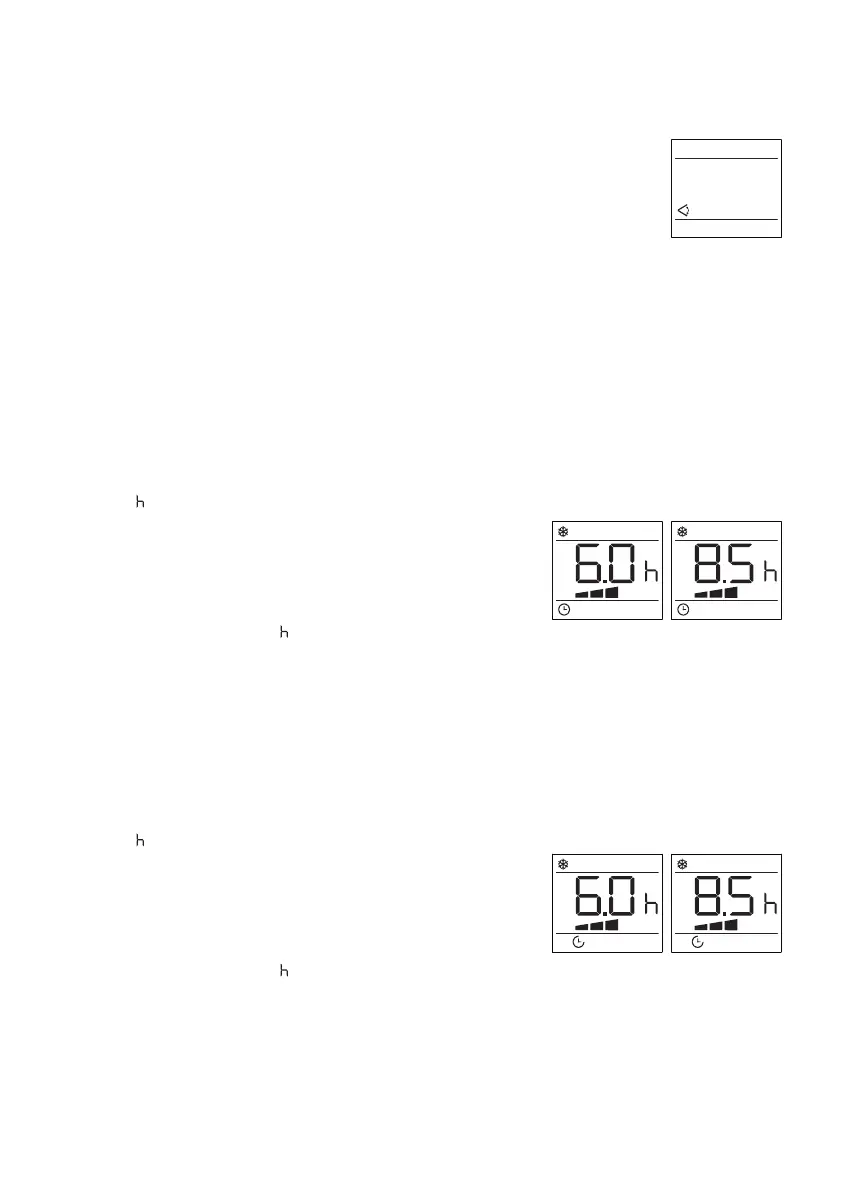
This function moves the deectors to adjust the direction of the air ow.
To set this function correctly:
1.
2.
3.
Timer
•
Programming start up
1.
2.
3.
4.
5.
Programming shut down
1.
2.
3.
4.
5.
Select the operating mode (cool, dry, fan) as described above.
Press the Oscillation button to select the horizontal deector to
automatically move up and down.
Press Oscillation button again to switch o this function.
This timer can be used to delay the appliance start-up or shutdown, this avoids wasting
electricity by optimizing operating periods.
Turn on the appliance, choose the mode wanted: e.g. cool, 24˚C, high fan speed, power o
the appliance.
Press the Timer button twice and the number of hours ash on screen with the Timer icon
and “ ” blinking.
Press the Increase or Decrease button to set the
number of hours delay before the appliance
comes on. The timer can set in intervals of 1-24 hrs.
Press the Timer button again to activate the timer,
and the timer icon and “ ” lights up.
Press again the Timer button or the Power button, the timer will be canceled, and the Timer
iconwill disappear from screen.
Turn on the appliance, choose the mode wanted: e.g. cool, 24˚C, high fan speed, power o
the appliance.
Press the Timer button twice and the number of hours ash on screen with the Timer icon
and “ ” blinking.
Press the Increase or Decrease button to set the
number of hours delay before the appliance
comes on. The timer can set in intervals of 1-24 hrs.
Press the Timer button again to activate the timer,
and the timer icon and “ ” lights up.
Press again the Timer button or the Power button, the timer will be canceled, and the Timer
iconwill disappear from screen.


 To Next Page