EasyManua.ls Logo

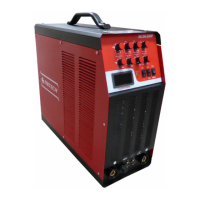
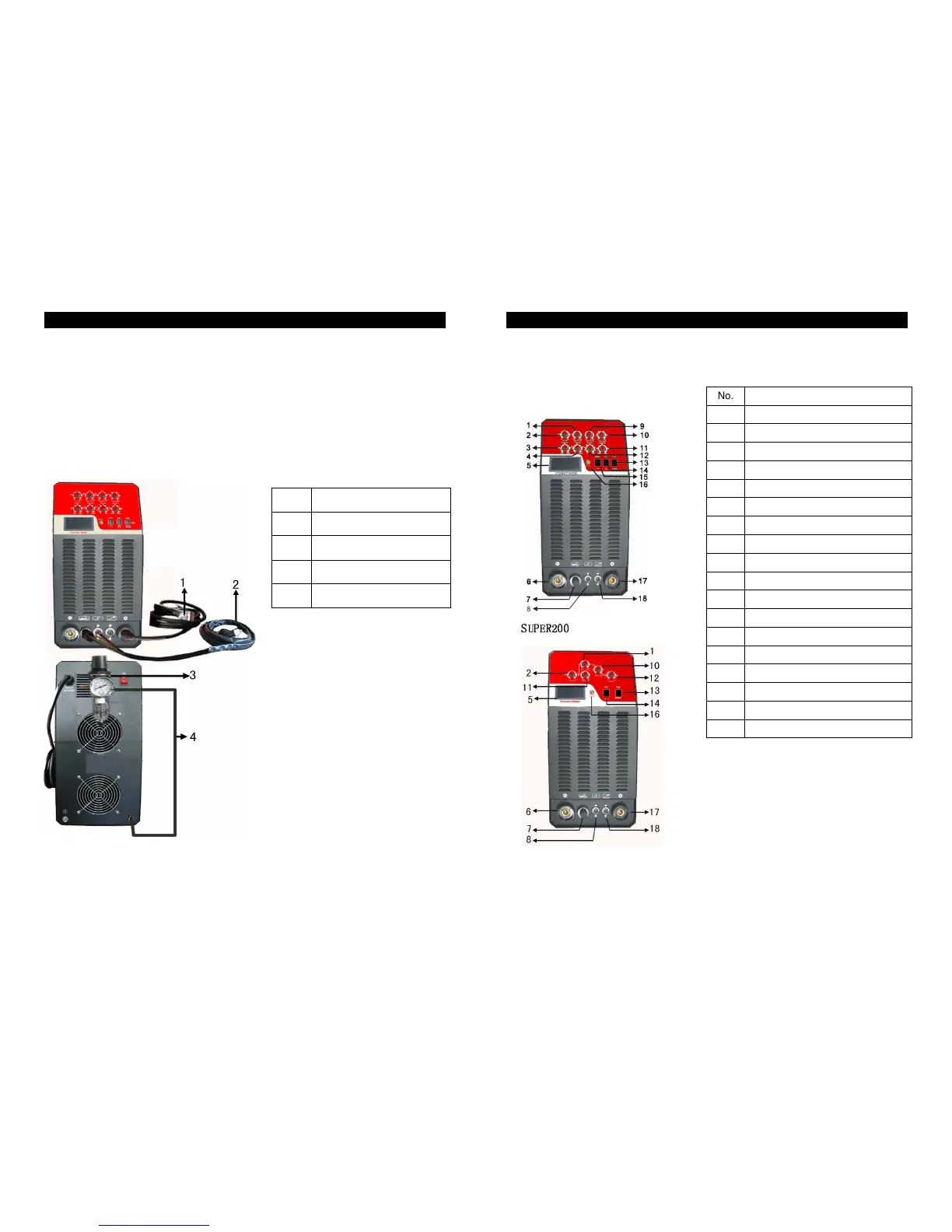
MITECH SUPER200P - Panel Description; SUPER200 P Panel; SUPER200 Panel

MITECH SUPER200P
5 pages
Print Icon
To Next Page IconTo Next Page
To Previous Page IconTo Previous Page
Loading...
SUPERSeries·User’sManual
-11-
INSTALLMENT&OPERATION
6.Pleaseadjustappropriatecuttingcurrentaccordingtothethicknessandmaterialof
thework-pieceandthecuttingcraftaswell.
7
.Thecutterwillstarttoworksoononcethetorchtouchesthework-piecewithacertain
angle.
No. Name
1 Earthclamp
2 Torch
3 AirPressureMeter
4 GasHose
SUPERSeries·User’sManual
-4-
PANELDESCRIPTION
SUPER200P

No. Name
1
Current
2
Pre-flowTime
3
PulseWidth
4
PulseFrequency
5
CurrentDisplayMeter
6
Electrodeholderconnector
7
TorchConnector
8
TorchSwitchConnector
9
Peakcurrentregulation
10
Down-slopeTime
11
ClearWidth
12
Post-gastimeregulation
13
MMA/TIG/CUTSelection
14
AC/DCSelection
15
PulseSelection
16
OCLed
17
Earthclampconneter
18
Remotecontrolswitchconnetor