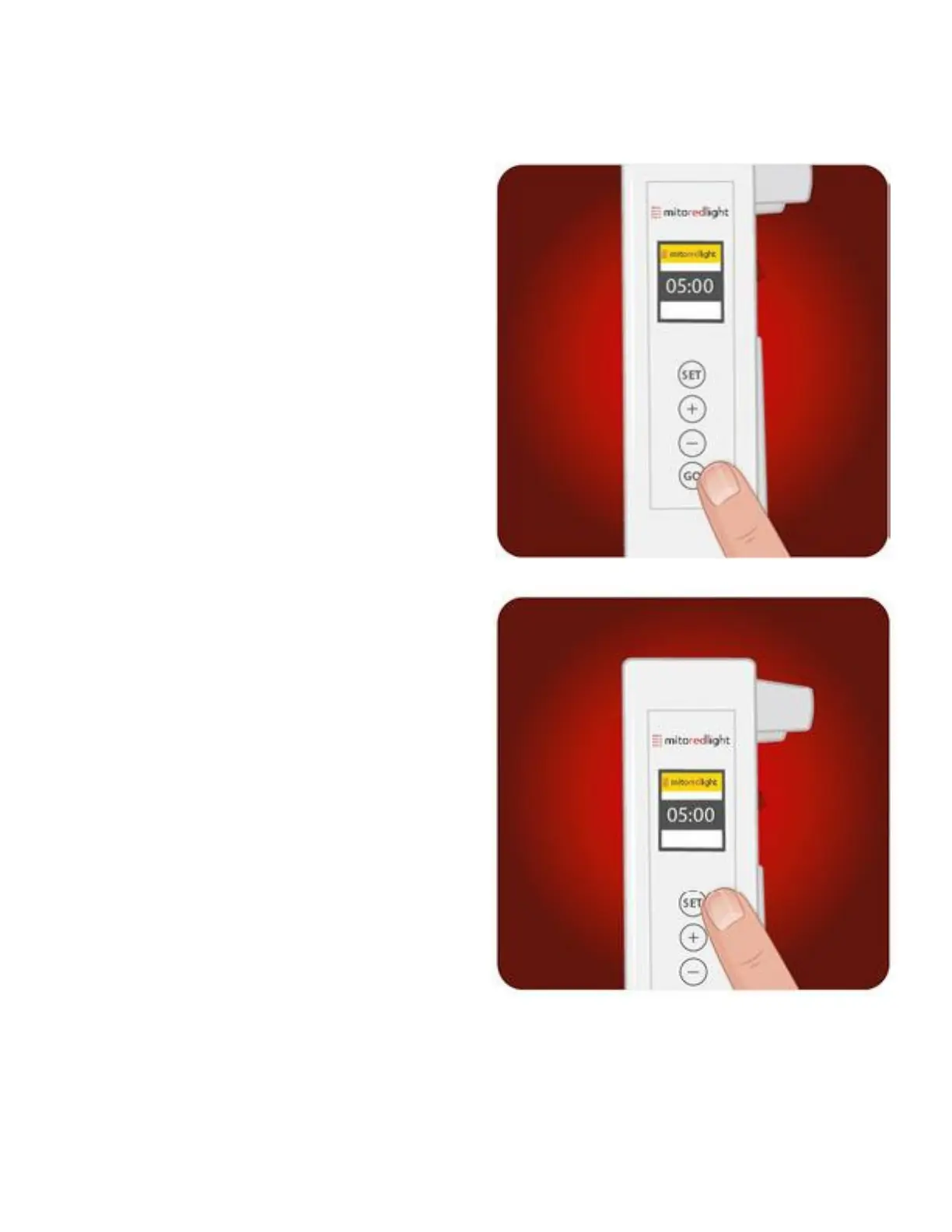
Once your panel is plugged in and
powered on, the home screen will
appear. Using the ‘+’ and ‘-’ buttons
you can adjust the time for the current
session. If all the other settings look
good, press ‘GO’ to start and stop your
session.
To adjust the default time, mode,
Bluetooth connectivity, and brightness
settings press ‘Set’ and toggle between
each setting using the ‘+’ and ‘-’
buttons. Once you have adjusted these
settings, press ‘GO’ to go back to the
home screen, and then ‘GO’ again to
start/stop your session.
Please note, changing the time on the
setting screen will not affect the
current session.
Once a new default time is selected,
press the go button to save the
selection then turn off the power switch
on the back of the unit and turn the
switch back on. Your new default time
will be displayed.
PANEL CONTROLS:
MitoADAPT 2.0 Series
14
www.mitoredlight.com



 To Next Page