20
www.mitoredlight.com
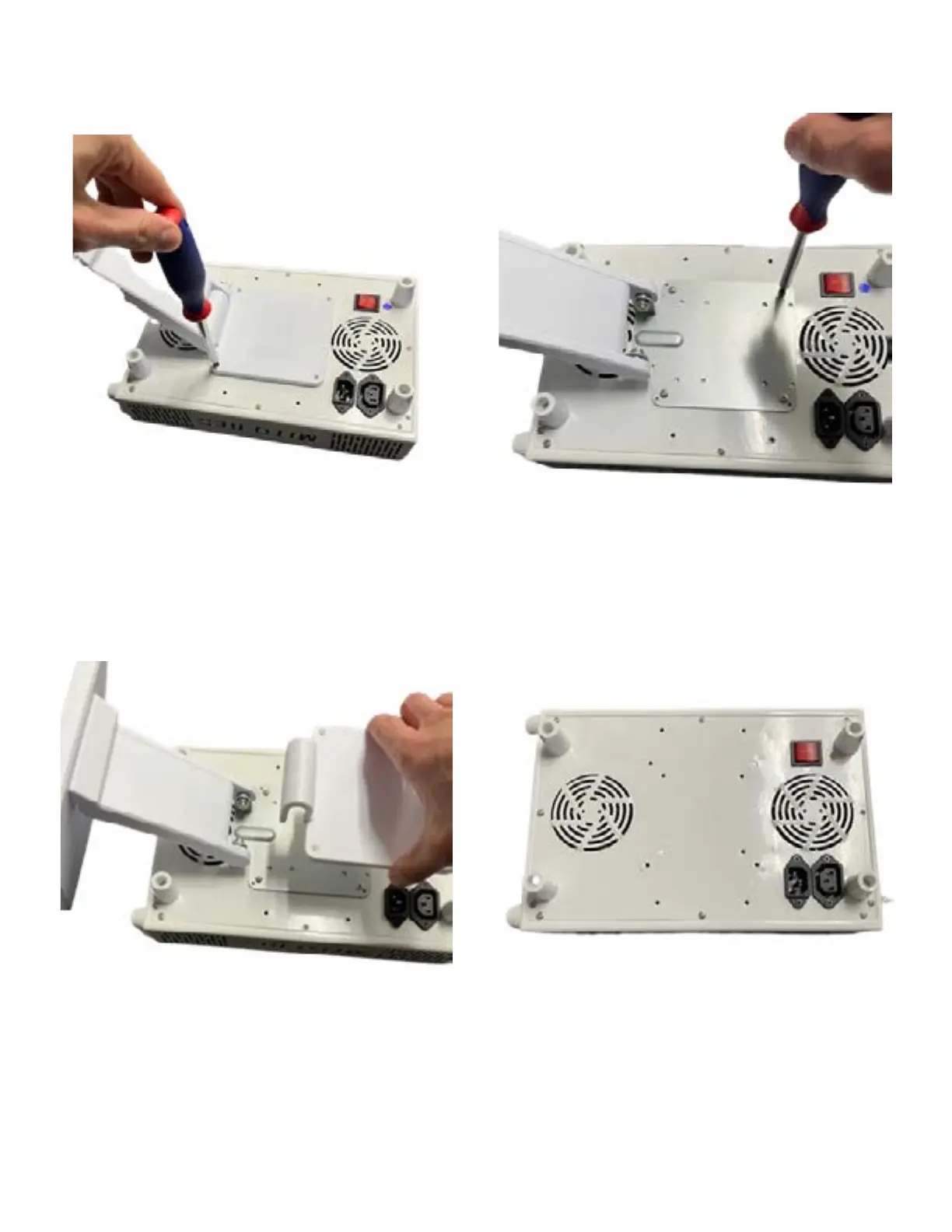
Step 2: After removing screws grasp
stand cover and lift straight up.
Step 1: Remove four screws on outer
part of stand with screwdriver.
Step 4: Remove rubber feet with
screwdriver.
Step 3: Remove four screws from
the inner plate. Stand can now be
removed from the light.
MIN 2.0 STAND INSTRUCTIONS
If you would like to remove your
stand, follow these instructions



 To Next Page