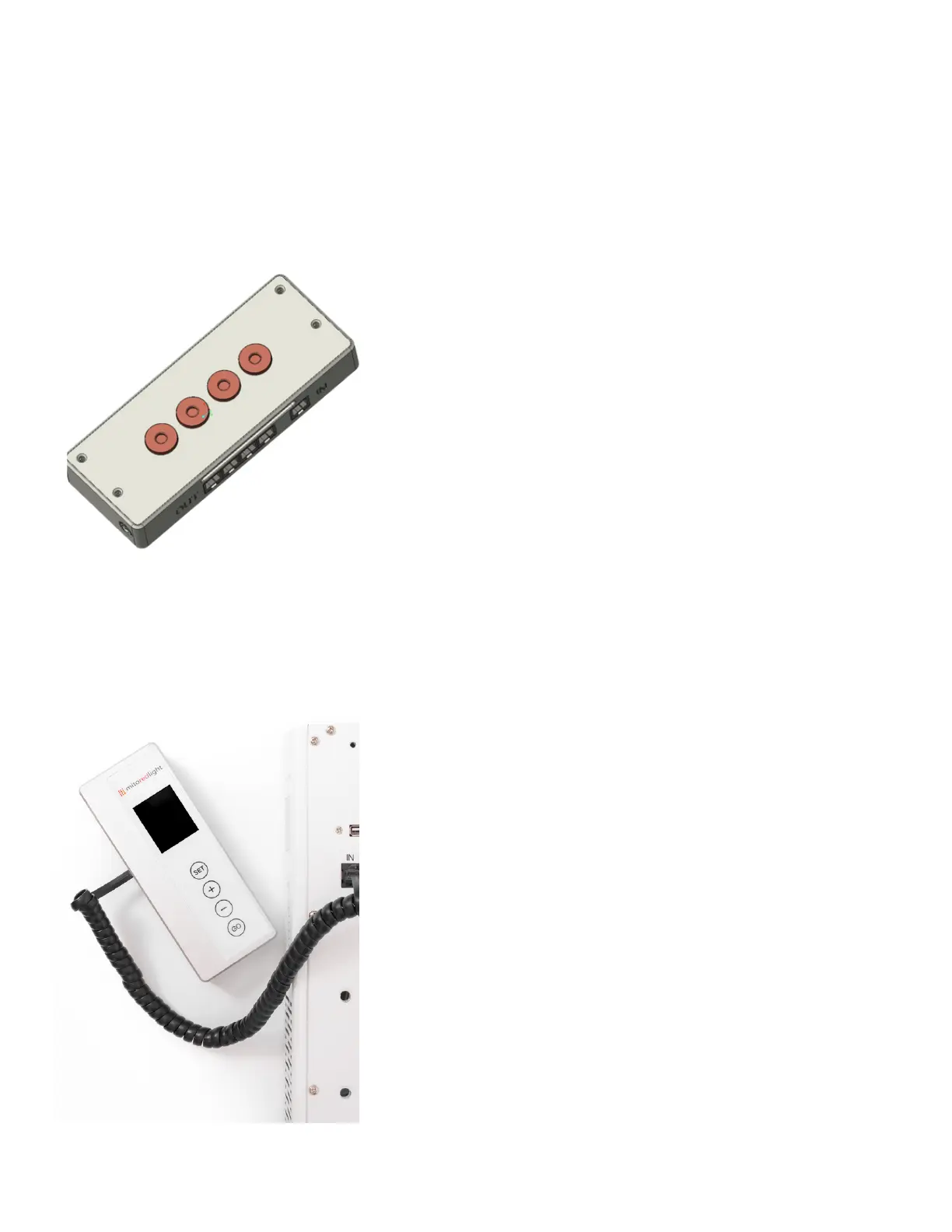
CONTROLLING MULTIPLE PANELS
(Continued)
The Controller contains 4 magnets on
the back. It is recommended to place
the controller on either side of a panel
Please Note: The MitoADAPT 2.0 panels
can always be operated individually,
however in order to control multiple
panels (MIN, MID, MAX) the external
MitoADAPT 2.0 Master Controller is
REQUIRED. Please contact customer
support if you need a Master controler.
The control panel on the Master Controller
is identical to the control panel of the
MitoADAPT 2.0 panel.
The Mito Red Light app will connect with
the Master Controller.
Please ensure that Bluetooth is enabled on
the Master Controller and disabled on
your MitoADAPT 2.0 panels, before
connecting the app to the Master
Controller.
22
www.mitoredlight.com



 To Next Page