EasyManua.ls Logo

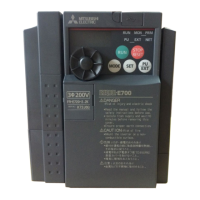
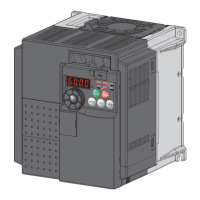
Mitsubishi Electric FR-E720-0.4K - User Manual

Mitsubishi Electric FR-E720-0.4K
332 pages
Print Icon
To Next Page IconTo Next Page
Loading...
HEAD OFFICE: TOKYO BUILDING 2-7-3, MARUNOUCHI, CHIYODA-KU, TOKYO 100-8310, JAPAN
3
4
5
6
7
1
2
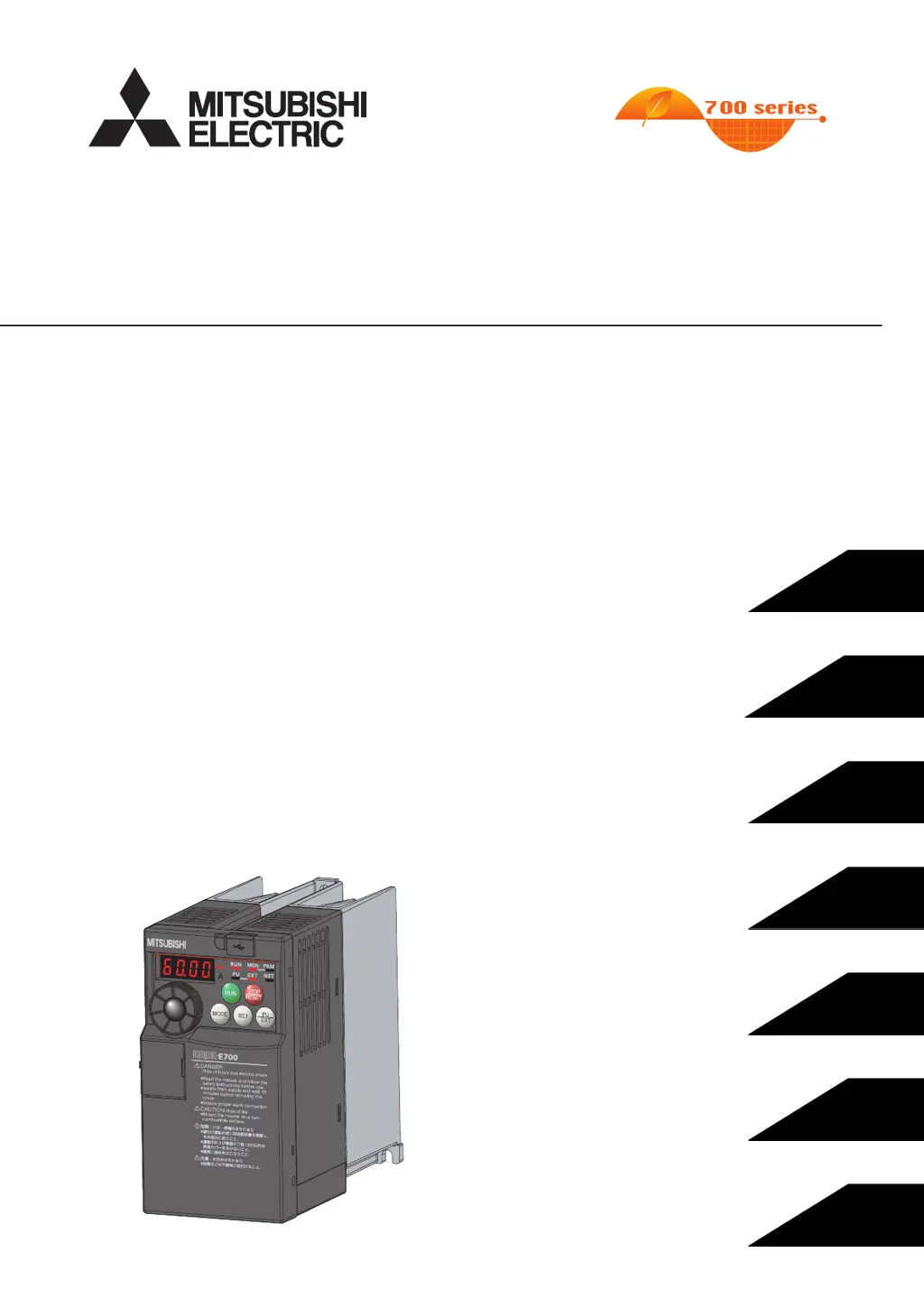
FR-E700
INSTRUCTION MANUAL (Applied)
INVERTER
PRECAUTIONS FOR USE
OF THE INVERTER
PARAMETERS
TROUBLESHOOTING
PRECAUTIONS FOR
MAINTENANCE AND INSPECTION
SPECIFICATIONS
OUTLINE
WIRING
MODEL
MODEL
CODE
1A2-P26
FR-E700
INSTRUCTION MANUAL (Applied)
FR-E720-0.1K to 15K
FR-E740-0.4K to 15K
FR-E720S-0.1K to 2.2K
FR-E710W-0.1K to 0.75K
IB(NA)-0600277ENG-D (0812)MEE Printed in Japan Specifications subject to change without notice.
FR-E700 INVERTER INSTRUCTION MANUAL (Applied)
D

Table of Contents

Questions and Answers

  • N
    nicole76Aug 18, 2025
    What to do if the Mitsubishi Electric FR-E720-0.4K option unit does not function?
    • A
      April ThomasAug 18, 2025
      If the option unit of your Mitsubishi Electric Inverter isn't working, try these steps: * Ensure the option is correctly fitted. * Reset the inverter. * Perform a complete parameter reset to return to initial values, then power the inverter on again. If you're using a network, check that: * Network cables between nodes are properly connected and terminated. * Network settings are correct using the Profibus-DP Network Configuration Software. * Other nodes aren't showing network errors. * The Profibus-DP master is properly connected and functioning.
  • I
    irwinbethAug 20, 2025
    What to do if Mitsubishi Electric FR-E720-0.4K shows overcurrent trip during acceleration?
    • J
      Jason BakerAug 20, 2025
      If the Mitsubishi Electric Inverter experiences overcurrent during acceleration, it indicates that overcurrent has occurred. To resolve this, try the following: Set a longer acceleration time. If 'E.OC1' appears at start, disconnect the motor and restart the inverter. If 'E.OC1' persists, the inverter may be faulty and you should contact your sales representative. Check the wiring for output short circuit and ground fault. When the rated motor frequency is 50Hz, set the Pr. 3 Base frequency to 50Hz. Lower the stall prevention operation level. Activate the stall prevention operation and the fast-response current limit operation (Pr.156). For operations with frequent regenerative driving, set the base voltage in Pr. 19 Base frequency voltage.
  • C
    Cassandra SingletonAug 23, 2025
    What to do if Mitsubishi Electric FR-E720-0.4K shows regenerative brake pre-alarm?
    • S
      Stephen BeckerAug 23, 2025
      If the Mitsubishi Electric Inverter's regenerative brake duty reaches 85% of the Pr. 70 Special regenerative brake duty setting or higher, set a longer deceleration time and check the settings of Pr.30 Regenerative function selection and Pr. 70 Special regenerative brake duty.
  • K
    Kevin MckinneyAug 26, 2025
    What causes the electronic thermal relay function pre-alarm on Mitsubishi Electric Inverter, and how to resolve it?
    • J
      Joy PhelpsAug 26, 2025
      If the cumulative value of the electronic thermal O/L relay has reached 85% of the Pr. 9 Electronic thermal O/L relay setting or higher on your Mitsubishi Electric Inverter, reduce the load and frequency of operation. Also, set an appropriate value in Pr. 9 Electronic thermal O/L relay.
  • C
    Charles SimmonsAug 28, 2025
    What causes output phase loss in Mitsubishi Electric Inverter?
    • R
      Robert ArnoldAug 28, 2025
      If the Mitsubishi Electric Inverter detects a loss in one of the three output phases (U, V, W) during operation, ensure the cables are properly wired. If the motor capacity is smaller than the inverter capacity, choose matching inverter and motor capacities.
  • M
    Michael FieldsAug 30, 2025
    How to unlock password on Mitsubishi Electric FR-E720-0.4K?
    • J
      Jessica WongAug 30, 2025
      If the Mitsubishi Electric Inverter is password locked, enter the password in Pr. 297 Password lock/unlock to unlock the password function before operating.
  • H
    Heather AtkinsSep 2, 2025
    What to do for write disable error on Mitsubishi Electric FR-E720-0.4K Inverter?
    • D
      Donna FritzSep 2, 2025
      If the Mitsubishi Electric Inverter is showing a write disable error, check the setting of Pr. 77 Parameter write selection, the settings of Pr. 31 to Pr. 36 (frequency jump), and the connection of PU and the inverter.
  • D
    David BurgessSep 4, 2025
    How to fix calibration error on Mitsubishi Electric FR-E720-0.4K?
    • R
      robertsdwayneSep 4, 2025
      If the Mitsubishi Electric Inverter shows a calibration error, check the settings of calibration parameters C3, C4, C6 and C7 (calibration functions).
  • D
    Dustin HollowaySep 7, 2025
    How to clear maintenance signal output on Mitsubishi Electric FR-E720-0.4K?
    • S
      Sarah BishopSep 7, 2025
      If the Mitsubishi Electric Inverter outputs a maintenance signal, and the cumulative energization time has exceeded the maintenance output timer set value, setting '0' in Pr. 503 Maintenance timer erases the signal.
  • D
    Destiny KellySep 9, 2025
    What causes undervoltage on Mitsubishi Electric FR-E720-0.4K?
    • K
      Kristin HarrisSep 10, 2025
      If the Mitsubishi Electric Inverter detects undervoltage, it means the voltage at the main circuit power has been lowered. Investigate the devices on the power supply line, including the power supply itself.

Mitsubishi Electric FR-E720-0.4K Specifications

General IconGeneral
ModelFR-E720-0.4K
SeriesFR-E700
Applicable Motor Capacity (kW)0.4
Number of Phases3
Frequency50/60Hz
Protection Level / IP RatingIP20
CommunicationRS-485
Output Current Rating (A)2.5
Input Voltage200-240 V AC
Frequency Range0-400Hz
Control MethodV/F Control
ProtectionOvercurrent, Overvoltage, Undervoltage
Braking UnitOptional
Overload Current Rating150% for 60 seconds
Operating Temperature-10 to +50°C
Storage Temperature-20 to +65°C
Output Voltage3-Phase 200-240VAC

Related product manuals