Selecting the input source
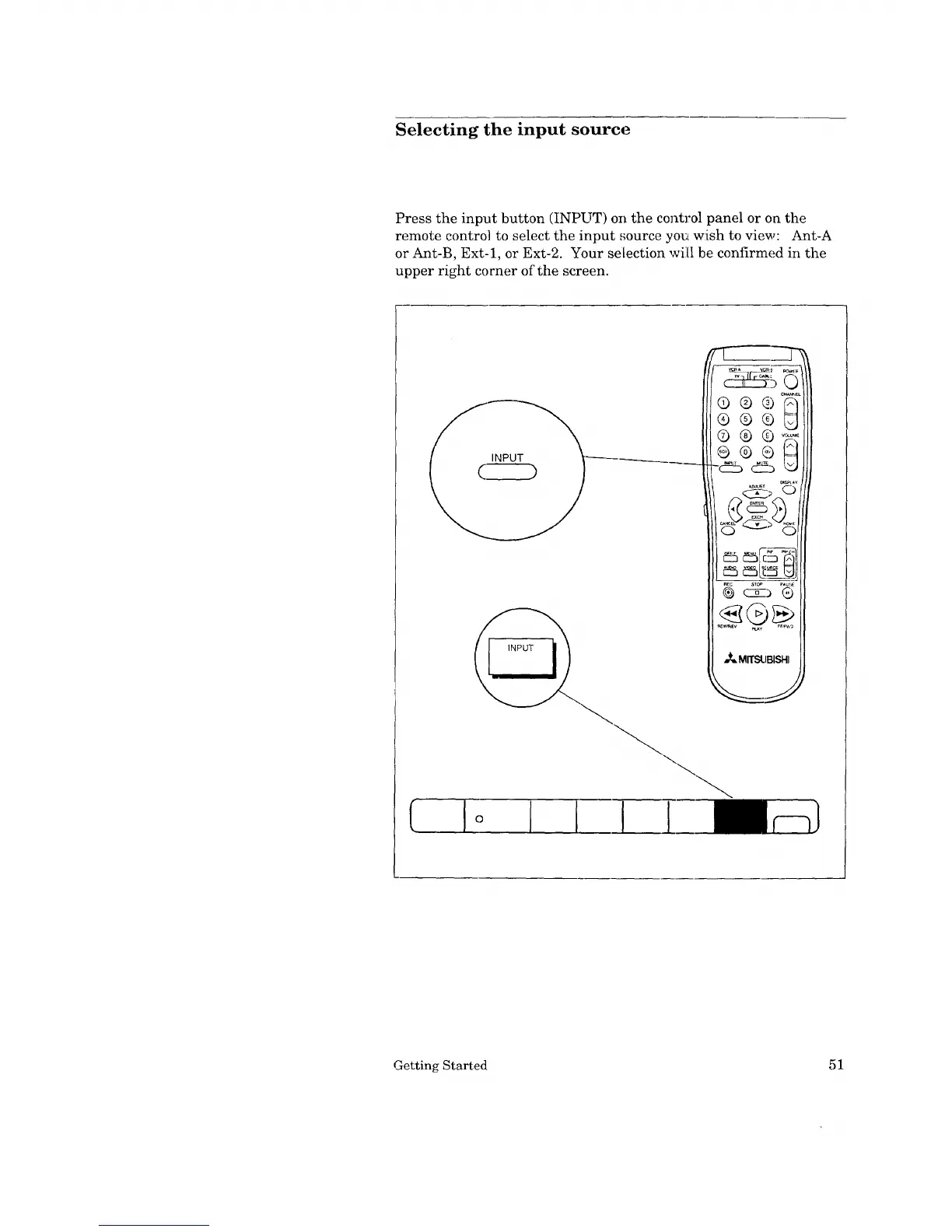
Press the input button (INPUT) on the control panel or on the
remote control to select the input source you wish to view: Ant-A
or Ant-B, Ext-1, or Ext-2. Your selection will be confirmed in the
upper right corner of the screen.
C
Getting Started 51


 To Next Page
 Loading...
