18
z The included USB power adapter (connect to a power outlet)
z The included car charger.
2). Attach camera to the docking bay. Use a USB cable to connect the
docking bay to one of the following:
z A USB port on your computer (powered on)
z The included USB power adapter (connect to a power outlet)
z The included car charger.
5.17 GPS tracking
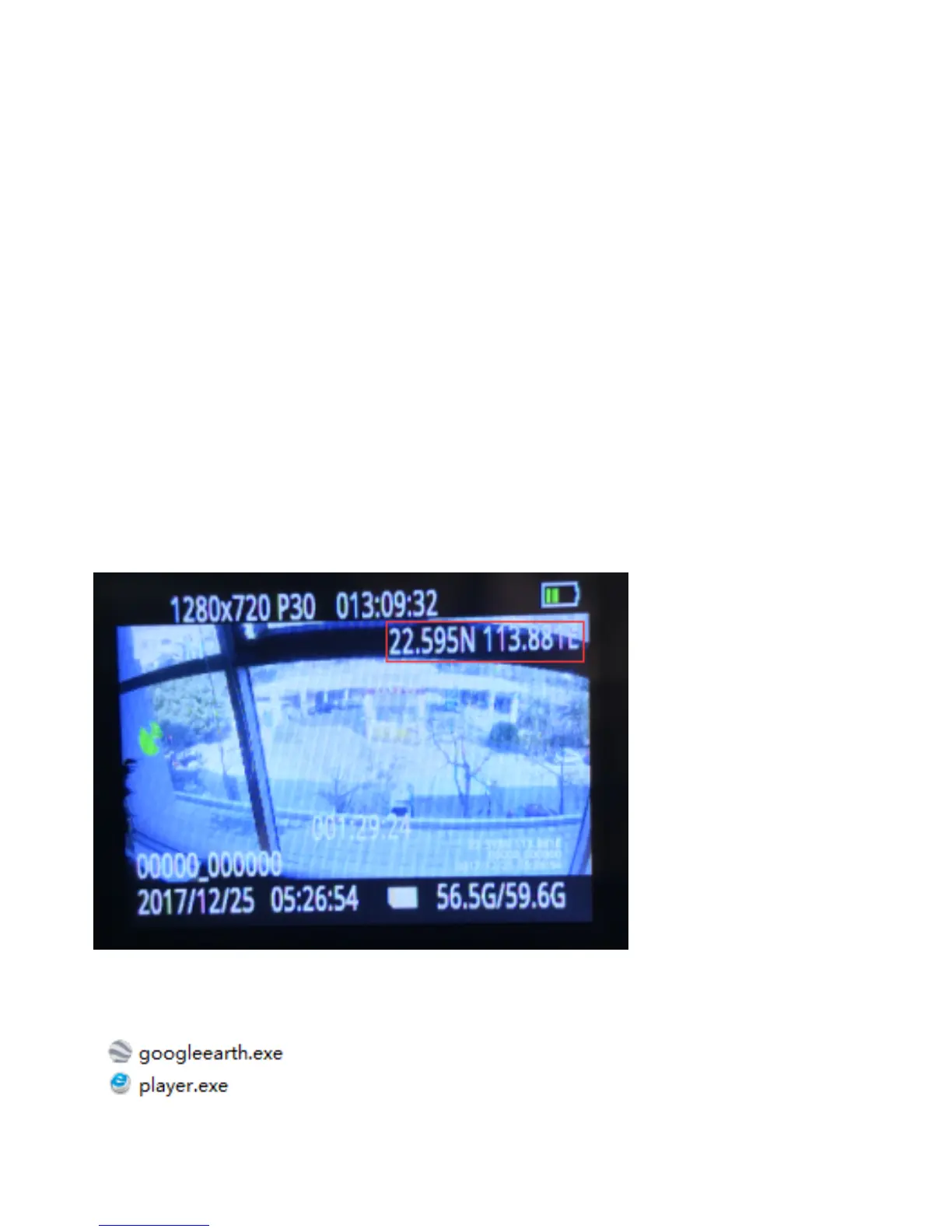
When GPS turns on, location information will be embedded into the video
and can be reviewed by GPS player.
There will be longitude and latitude data showing up in the upper right
corner of LCD screen when GPS signal is received.
GPS player and Google Earth are stored inside the camera memory.


 To Next Page