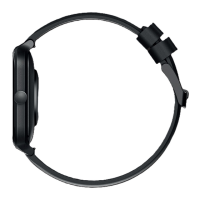
A 30 second countdown will start and then your blood oxygen
result will display. You can see more data of your blood oxygen via
the App on your phone.
9 10
5. HEART RATE
rom the Watch S home screen swipe
to the Heart Rate feature. The Watch
will show your BPM heart reading. You
an see more data of your heart rate on
our phone.
4. SpO2:
BLOOD OXYGEN MONITORING
From the Watch S
home screen swipe
right to the SpO2 feature. Tap start. You will
see a message instructing you how to hold
your wrist, then tap the arrow to begin.
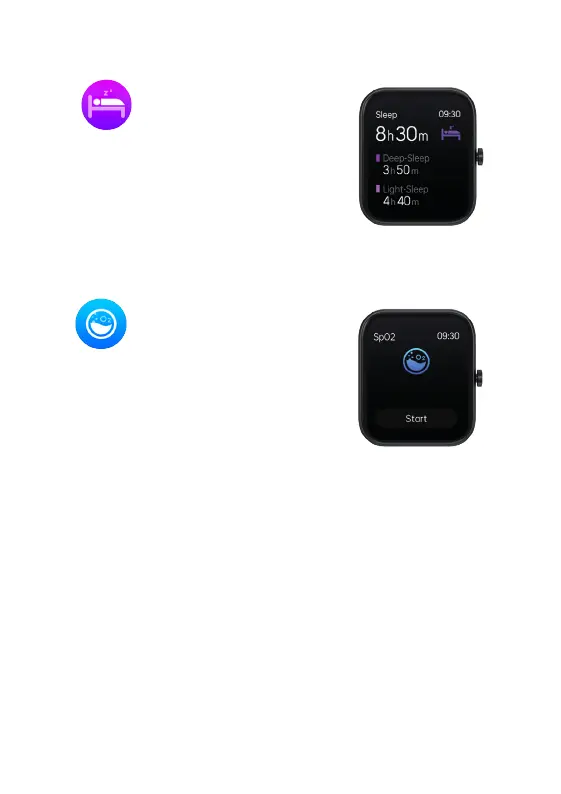
3. SLEEP MONITORING
REMEMBER! To wear your Watch S to bed
to capture your sleep patterns.
From the Watch S
home screen swipe
right to the Sleep feature. From here you
will see your previous nights total sleep.
You can see more details of your sleep pattern including a break
down of light and deep sleep using the App on your phone .


 To Next Page