Photo/Video
Bugs 16/Bugs 16 pro User Guide
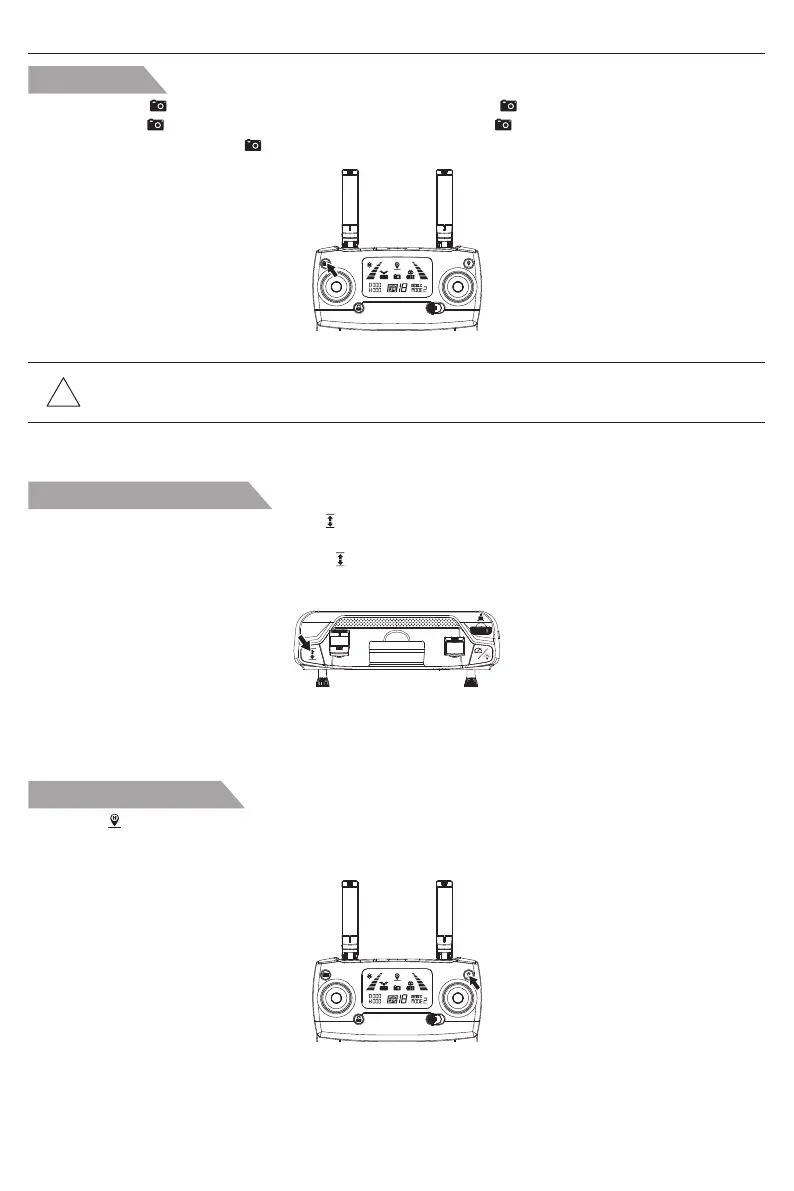
Short press the “ ” button on transmitter to take photo, the icon “ ” on LCD screen will flash once.
Long press the “ ” button on transmitter to take video, the icon “ ” on LCD screen will flash slowly
continuously. Long press the “ ” again, the shooting will exit.
One-key takeoff/landing
After the Bugs unlocked, short-press the “ ” button, the aircraft automatically take off and hover at
1.5m altitude.
When the aircraft is flying, short-press the “ ” button, the aircraft automatically land on the ground.
In landing automatically, press any joystick, the aircraft will exit the mode.
One-key return home
!
Tips: The 4K HD Photos and videos cannot be saved without TF Card.
If TF Card is in errors, the drone cannot take picture/video.
Press the “ ” with the buzzer making “Beep” sound, the auto- return home is on. The aircraft will fly
back to the lasted home point.
Short press the button again, the return home will exit.
-13-



 To Next Page