14
2.2 Firmware Upgrade
2.2.1 Copy latest firmware to root of SD card, include:
MksWiFi.bin
mkstft28.bin
mks_config.txt
mks_pic
2.2.2 Notes on Upgrade
a. Document names are not allowed to edit. Or will fail to upgrade.
b. The document names will get changed after update successfully.
c. Available to check current version in About interface.
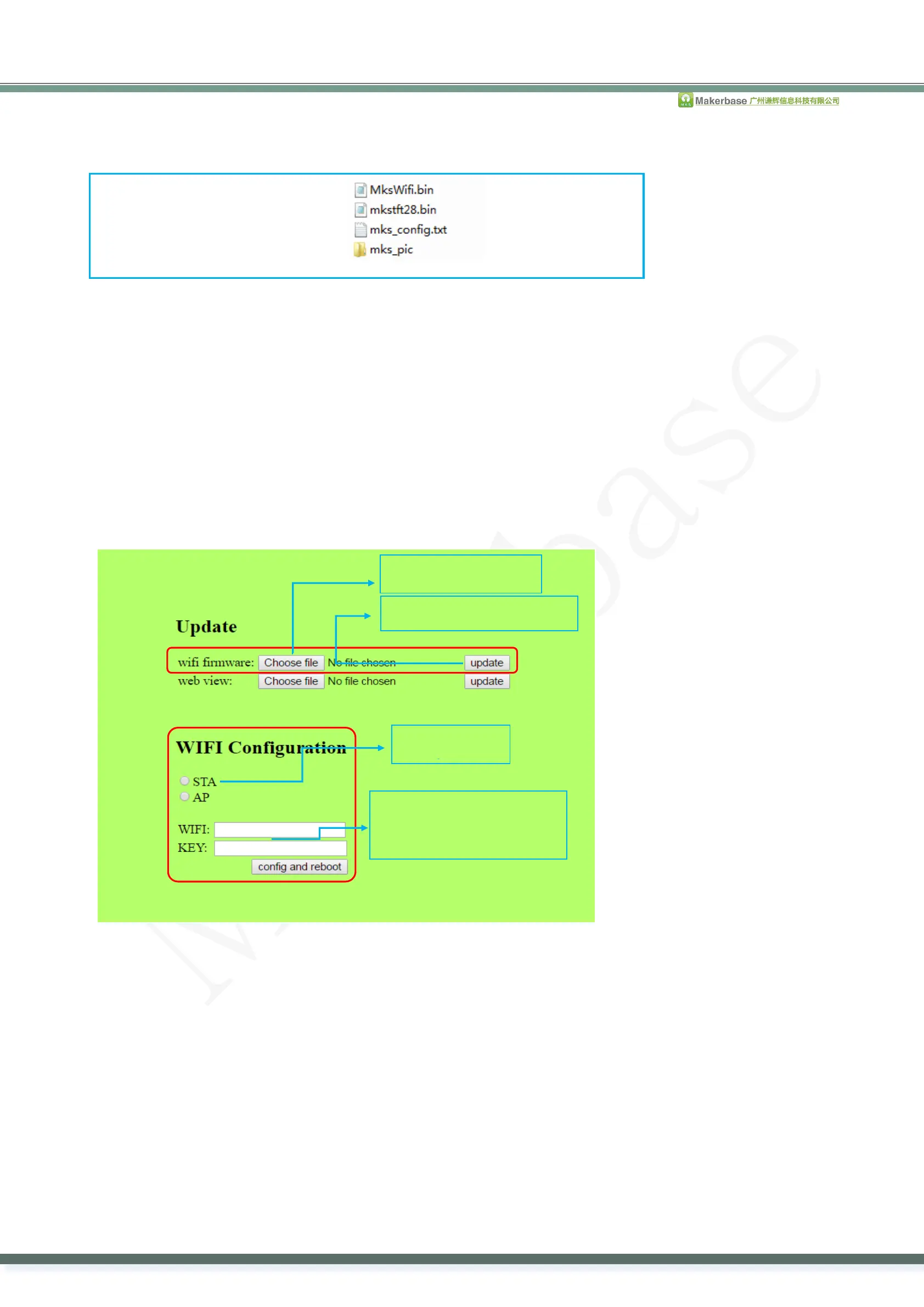
2.2.3 Greatly, it is able to upgrade WIFI firmware by WEB. At same LAN, enter IP on PC, then go into web. As
follow:
1.STA:Router name and
password



 To Next Page