12
Power ON/OFF
Turn Power ON
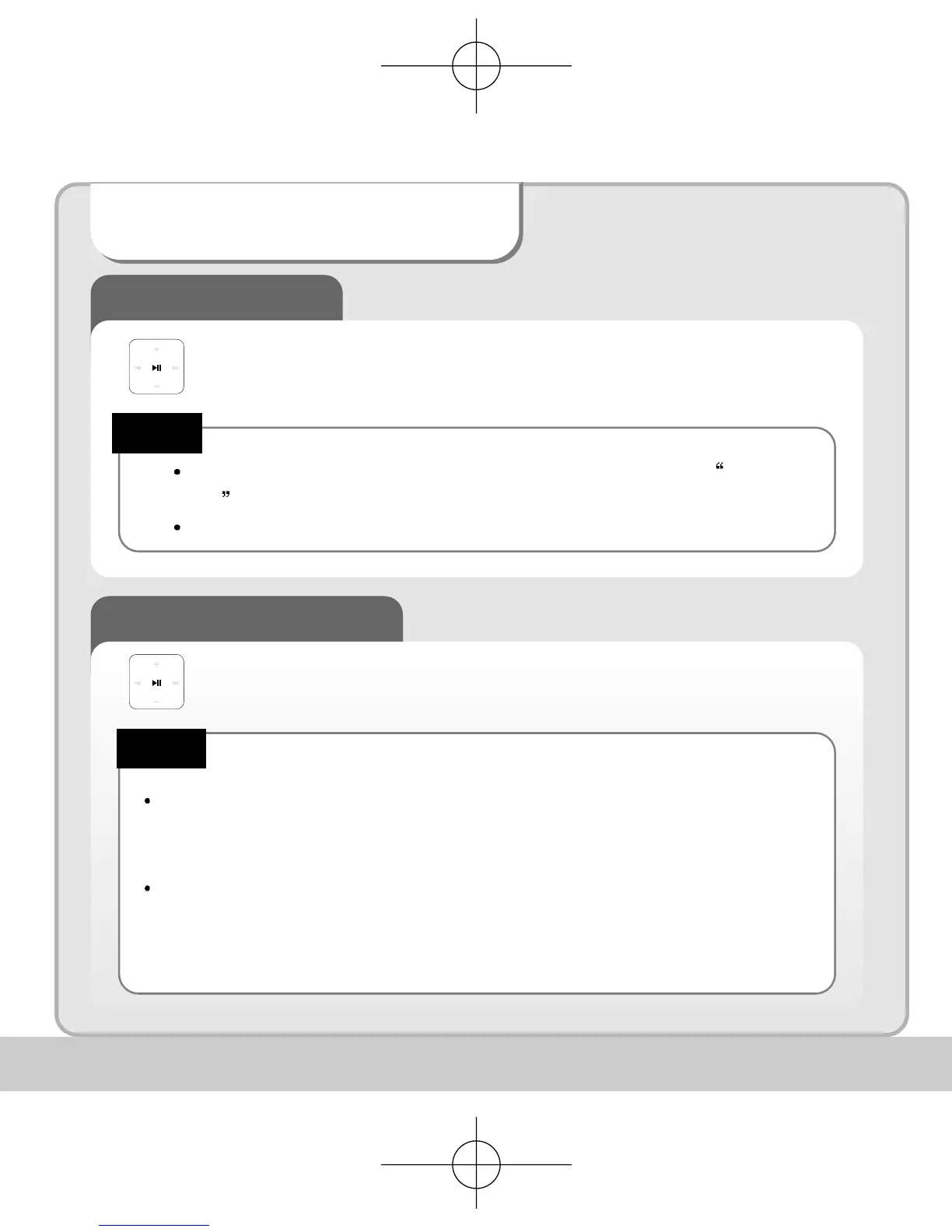
Press and hold the play/pause button to turn the power on.
When the battery needs recharging the LCD will display the Battery
Low icon.
Recharge the battery when LCD is not activated.
Turning Power OFF
When no button manipulation in pause condition is done after the set period of
time for “Auto Power Off,” it automatically turns off the power.
When you try to play a file after the restarting of the product, it completely recovers
all previous setting. All track numbers, equalizer and other settings are recovered.
(Resume function in second unit)
Note!
Press and hold the play/pause button to turn the unit off.
Note!


 To Next Page