16
Voice & Music Recording
Recording
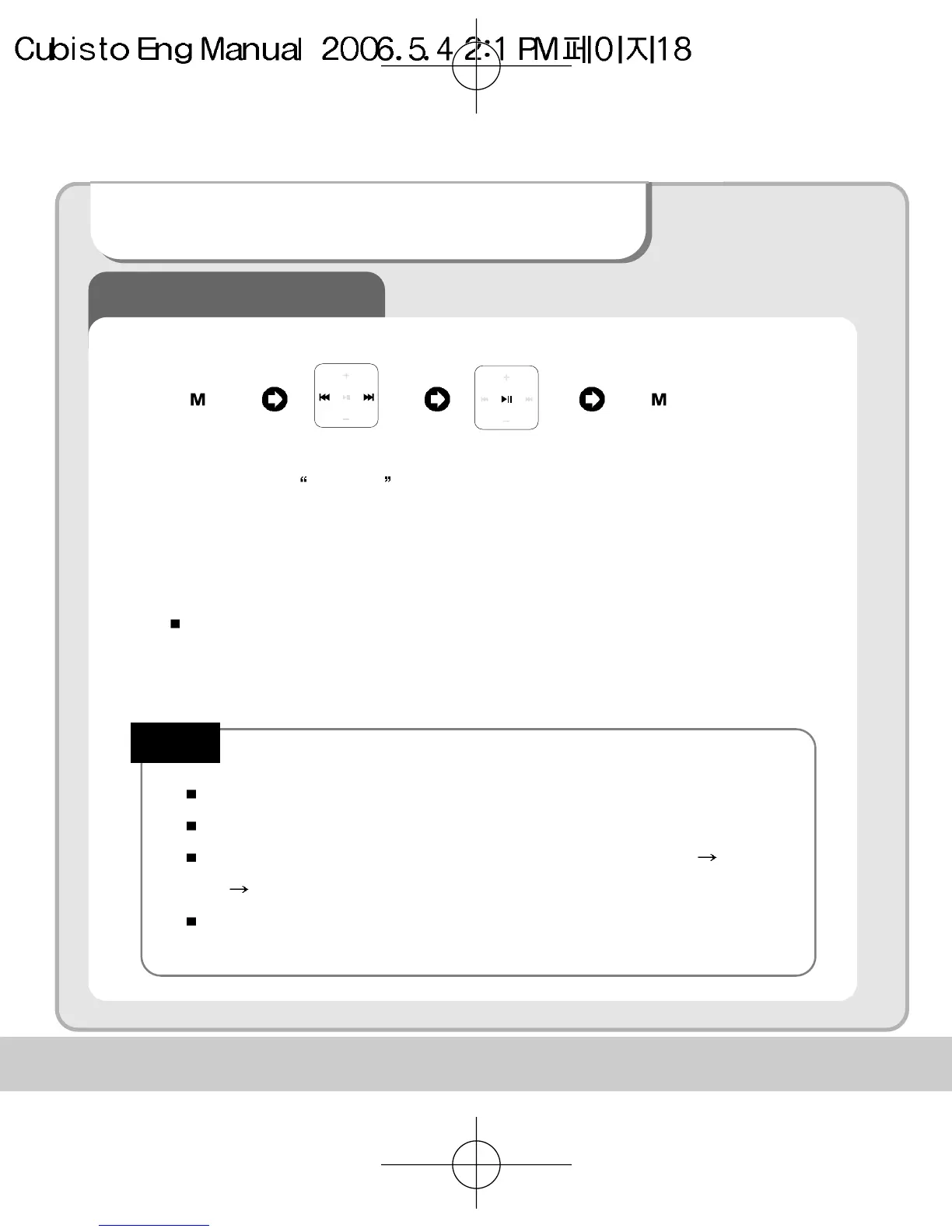
Recording is paused by pressing play button while recording. To
continue recording press play button again.
You can play back your recorded voice at listen mode
Voice recording is automatically stopped and saved when memory becomes full.
The volume of recorded voice can be controlled by pressing Setting Record
Set Record Gain
Voice recording may not work properly when battery is low.
Note!
Press and Hold
Move to
Recoding
Start
“Recording “
Stop
“Recording ”
Press Press


 To Next Page