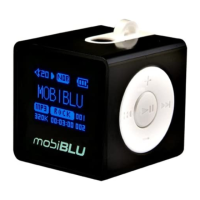
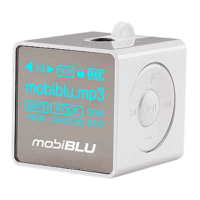
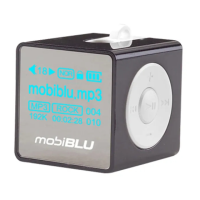
Need help?
Do you have a question about the MobiBlu DAH-220 and is the answer not in the manual?
Covers MP3 direct encoding, FM radio recording, equalizer, and repeat functions.
Steps for installing software, charging the battery, and powering on the device.
Instructions for connecting the player to a PC and managing audio files.
Step-by-step guide for initiating the software installation process.
Detailed steps for copying files to and from the player using a PC.
Steps to safely disconnect the USB cable from the player and PC.
Instructions for formatting the player's internal memory using the DAH220 Utility.
Steps to prepare the PC and player before starting the OS update process.
Instructions for connecting the player and completing the OS update via the utility.
Details on charging the battery using the AC adapter and LED indicators.
How to power on the device using the PLAY button and LED indication.
Instructions for playing music files and pausing playback.
How to stop playback, power off the device, and auto power-save mode.
Solutions for issues like the player not turning on or failing to play files.
Troubleshooting for PC connection, file download, sound quality, and FM radio issues.
 General
| Display | OLED |
|---|---|
| Battery Life | 12 hours |
| Connectivity | USB 2.0 |
| Storage Capacity | 1 GB |
| Audio Formats Supported | MP3, WMA |

 To Next Page