48
Using the Player with an Audio Deck
Using the Player with an Audio Deck
47
Press REW/FF button on
the deck for more than 4
seconds for fast
forward/rewind.
2
Press REW/FF button on the audio deck for less than 4
seconds and press PLAY to move to next/previous song.
1
Press REW/FF button on the deck for more than 4
seconds for fast forward/backward.
2
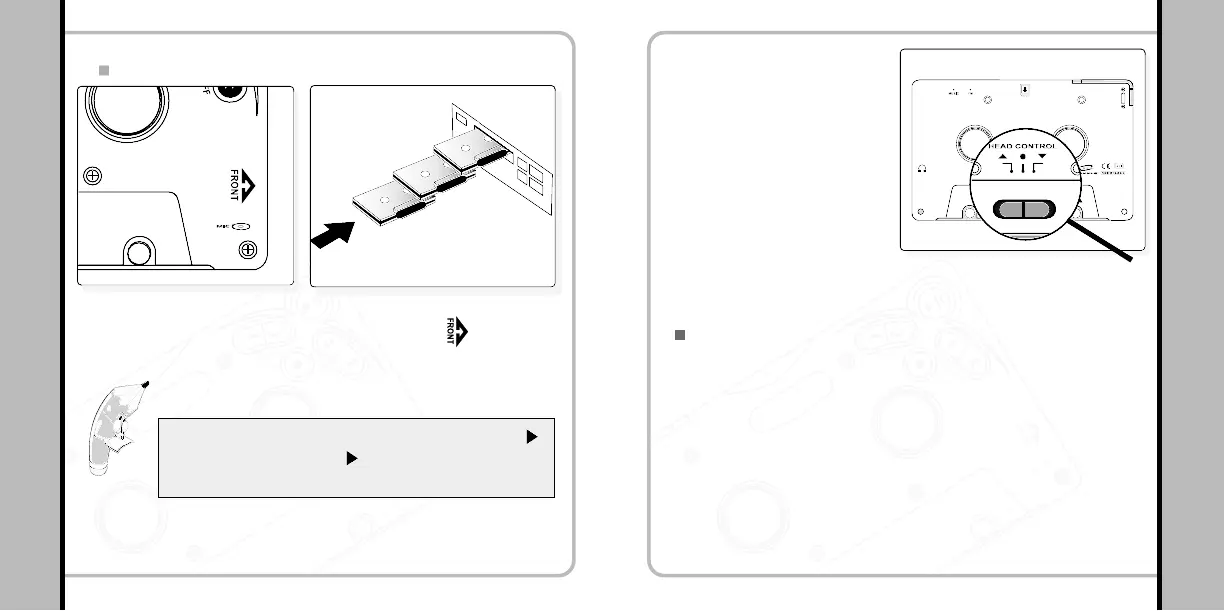
Selecting a file from the deck
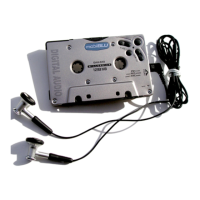
Playing the Player in an Audio Deck
Insert the player in the direction of the arrow ( ) marked
on the front side of the player.
1
Check if the play direction of the audio deck is ( ).
If the play direction is ( ) change the direction by
pressing PLAY button on the deck.
Please Note!


 To Next Page