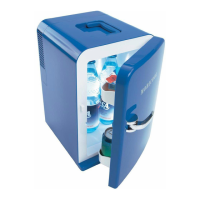
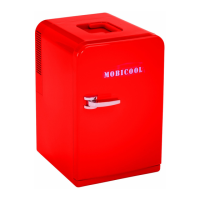
F05, F15, F18 Operation
9
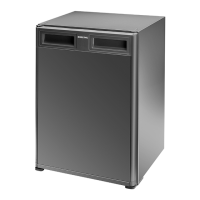
F18
Connection sockets (rear of the device):
Control panel (front side):
6 Operation
Before starting your new cooling device for the first time, you
should clean it inside and outside with a damp cloth for hygienic
reasons (please also refer to the the “Cleaning and maintenance”
chapter on page 10).
6.1 Energy saving tips
z Choose a well ventilated installation location which is protected against
direct sunlight.
z Allow food to cool down first before placing it in the device.
z Do not open the cooling device more often than necessary.
z Do not leave the door open for longer than necessary.
6.2 Using the cooling device
Like every cooling device, your refrigerator must be properly ven-
tilated so that any heat created can be drawn off. Otherwise proper
functioning cannot be ensured.
No. in
4, page 4
Description
1 AC voltage socket
2 DC voltage socket
No. in
5, page 4
Description
1 Temperature display: shows the interior temperature
2 “HOT” button: switches heating mode on
3 “HOT” LED (red): switches heating mode on
4 “OFF” button: switches the device off
5 “COLD” LED (blue): indicates cooling mode
6 “COLD” button: switches cooling mode on
_f-kuehlschraenke.book Seite 9 Montag, 22. November 2010 3:50 15


 To Next Page
 Loading...