EVA System: User Guide
9
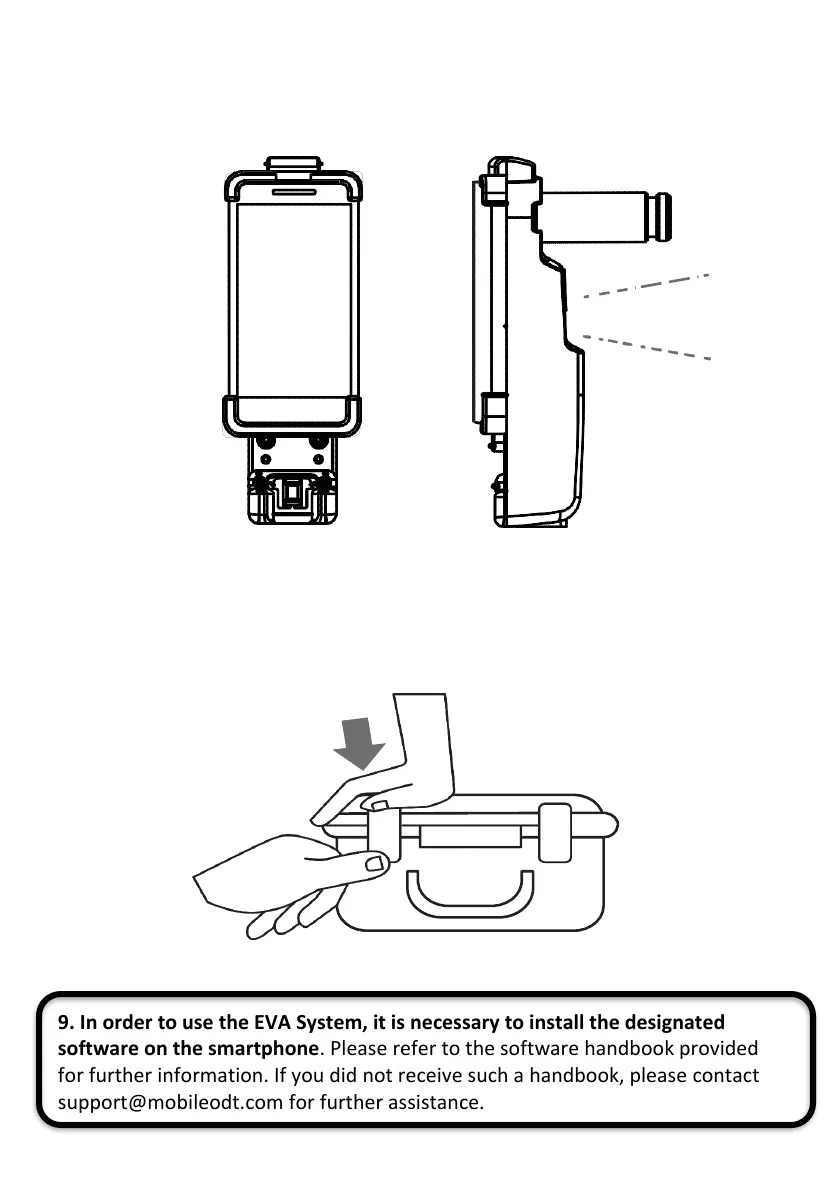
7. The device is ready for use
8. After the examination, be sure to store the EVA System in the storage box. To
close the box push downward on the corner of the case and lock the two latches.
9. In order to use the EVA System, it is necessary to install the designated
software on the smartphone. Please refer to the software handbook provided
for further information. If you did not receive such a handbook, please contact
support@mobileodt.com for further assistance.



 To Next Page