TNC3 User Guide
Configuring the TNC
This section describes the configuration process using the Mobilinkd Config App for Android. The
Mobilinkd Config App for iOS will be very similar, except the connection and pairing is slightly
different (a little less intrusive).
This section assumes that you have followed the “Pairing with an Android Device” section above and
have the Mobilinkd TNC config application running. The TNC and radio should be connected, the
TNC should be on, and the radio should still be off at this point.
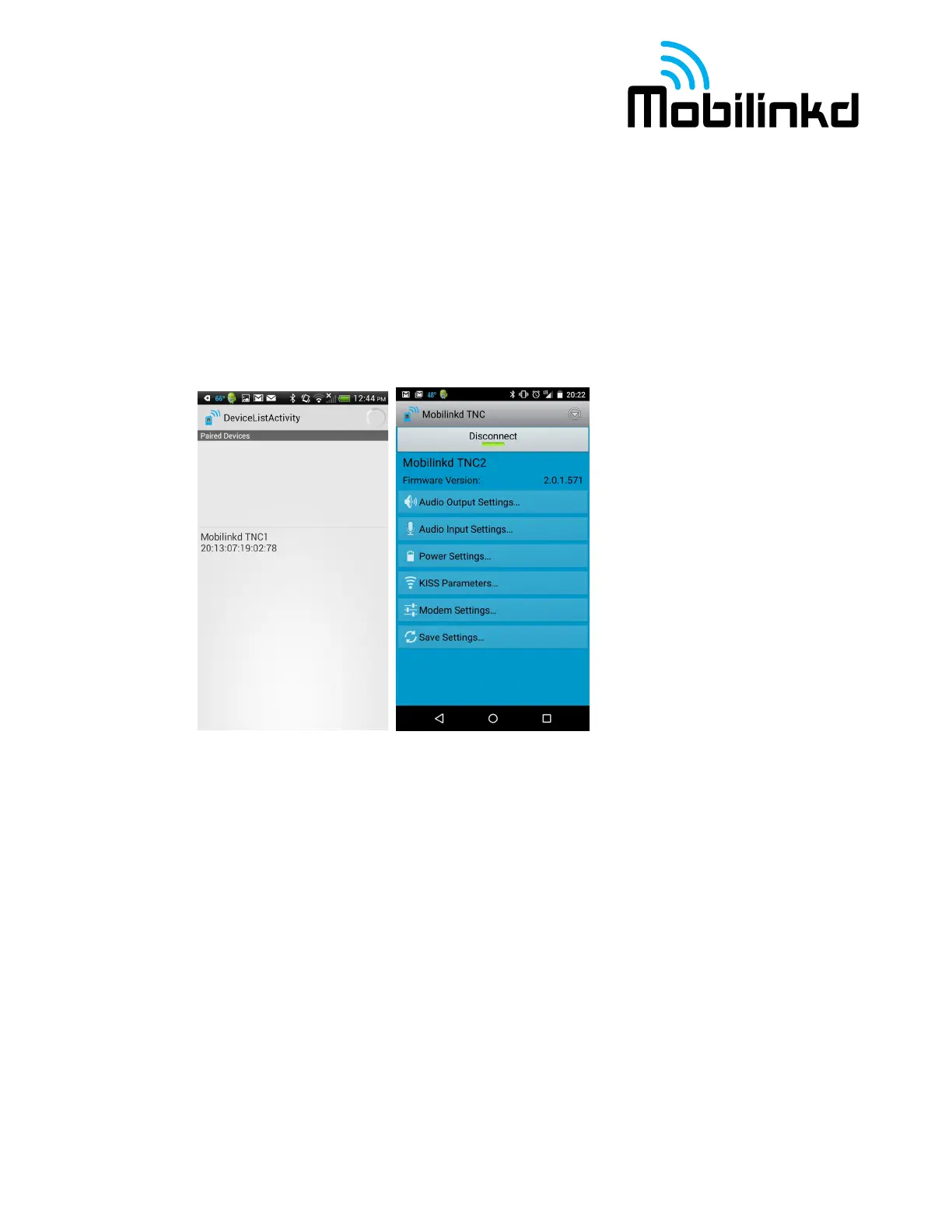
1. Push the “Connect” button to connect the Mobilinkd TNC Bluetooth device. You will see the
device name and firmware version displayed.
The image on the right shows the main menu for the Mobilinkd Config app. This menu is the starting
point to launch the various screens shown in the documentation below. When you are done with a
certain activity, press the “Close” button to go back to this screen.



 To Next Page