1.6
Understanding the battery charge level
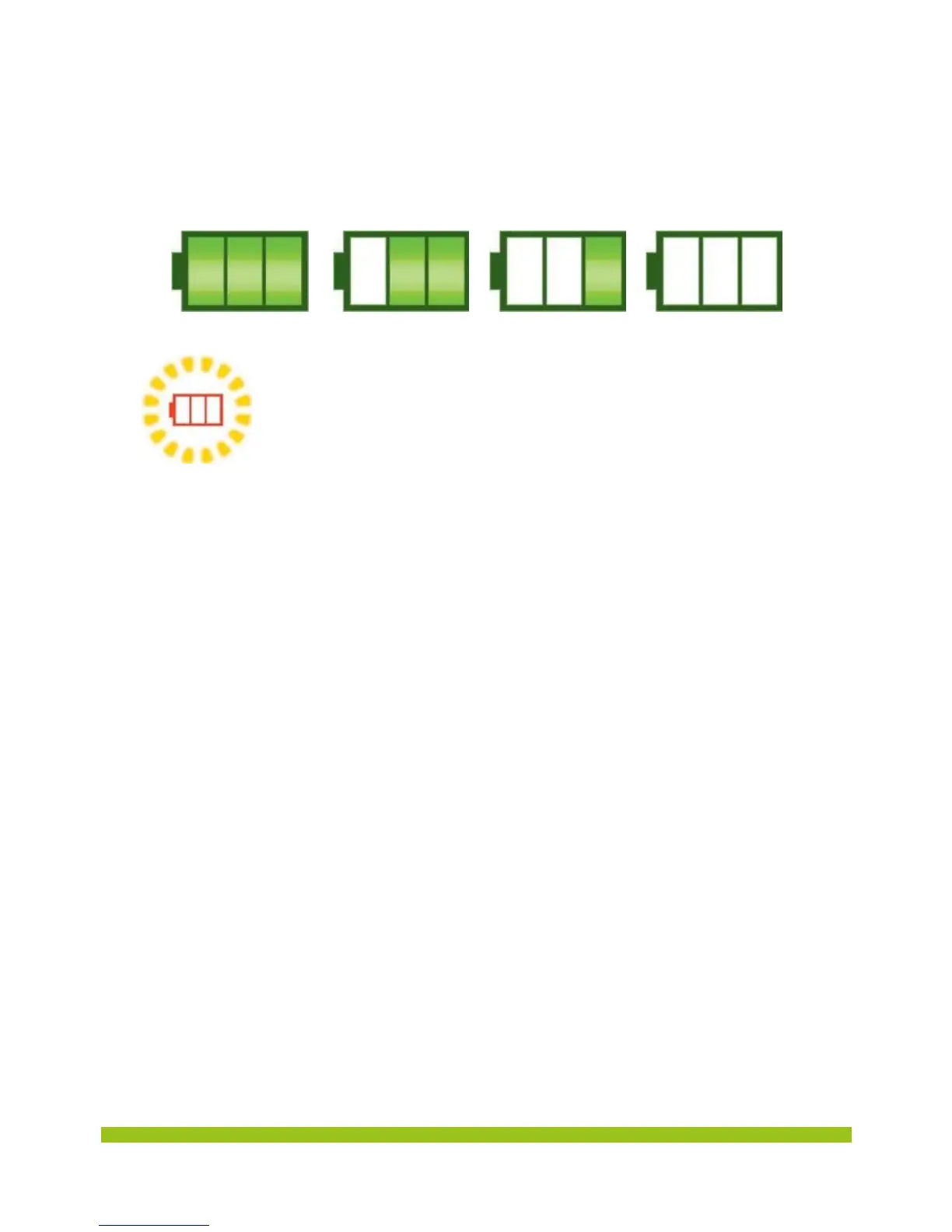
To see the battery charge level, refer to the battery icon in the upper right corner.
The battery level is displayed as such:
The battery icon flashes if the battery charge level is low.
Once the icon started flashing, you can still use the phone for
about an hour. We advise you to put the phone back on its craddle
to charge it.


 To Next Page