2. DAILY USES
All the basic tasks are explained in this section.
These are the tasks:
- Launching a call
- Opening the call log
- Writing an SMS
- Opening inbox
- Opening sent messages
- Adding a contact
- Calling voicemail
2.1
Launching a call
To launch a call, you can directly dial a number or choose a contact in the
Phonebook.
2.1.1 Dialing a number
To make a call, dial a number and press the green key .
As this is on the mobile network you will have to dial the area code of the number
you are wanting to call, same as if you are calling from a mobile.
If you would like to call local numbers without entering the area code you need to
enter your area code in the call settings – Own Area Code (see settings 3.5.1).
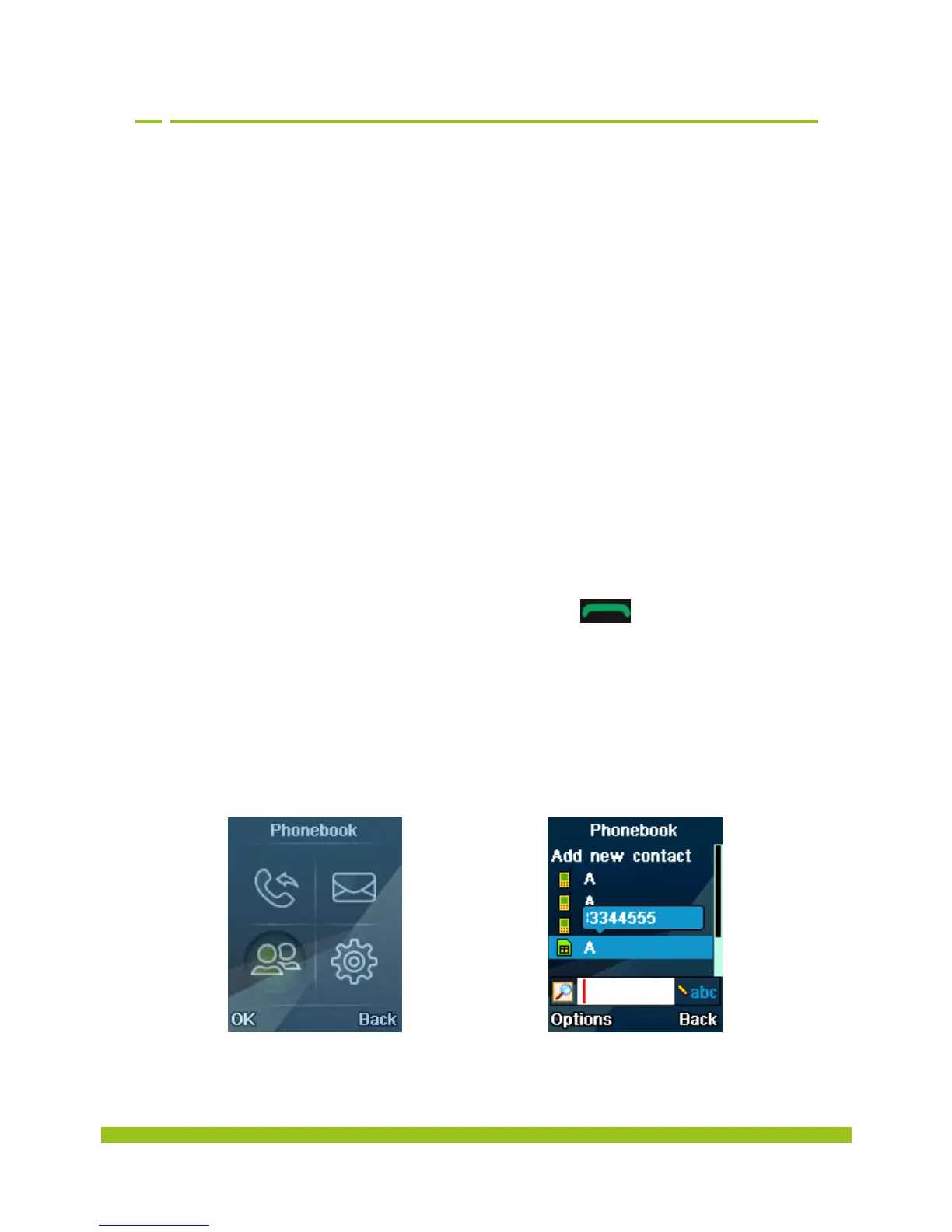
2.1.2 Calling a contact
To call a contact
Select Phonebook in
the menus.
Select a contact.


 To Next Page