20/128
T25 System Manual Part 2: Overview Of Application Scenarios
© MOBOTIX AG • Security-Vision-Systems • Made in Germany
www.mobotix.com • sales@mobotix.com
1.3 Expand System With Computer And MxEasy
1.3.1 Computer As T25 Remote Station
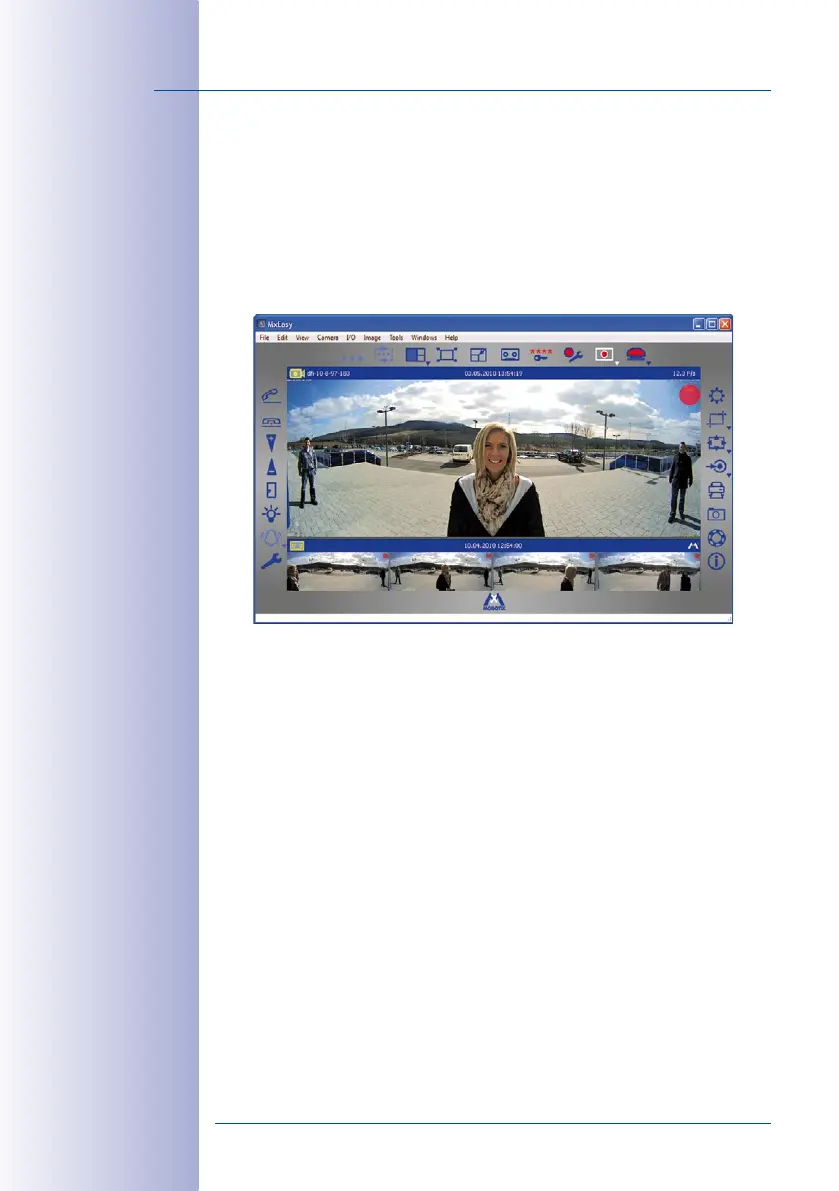
In addition to using a Grandstream GXV3140 IP video phone, you can also use any standard
computer connected to the network (in conjunction with the MOBOTIX video software
MxEasy) as a T25 remote station. You can use MxEasy* to manage and operate up to 16
MOBOTIX cameras and/or door stations.
The program can run in the background of a computer screen or touchpad with a stan
-
dard operating system and pop up automatically when someone rings the doorbell.
Using the computer’s microphone and speakers as a two-way communication intercom
with lip-synchronous audio (full duplex), you can speak to visitors and by clicking on the
corresponding buttons in the software, you can open the door or switch on the light.
MxEasy also makes it easy to listen to voice mailbox messages or search through all of
your camera recordings.
The current version of MxEasy (for Windows and Mac operating systems) can be downloaded
directly from the MOBOTIX website (www.mobotix.com under Support > Software
Downloads> MxEasy).
Before you launch MxEasy for the first time, set up the system for operation without a
computer as described in Section 2 of this manual.
* version 1.5 or higher



 To Previous Page