34 35
04
MIDI
MIDI
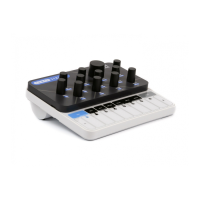
CRAFTsynth 2.0 is a fully USB-MIDI class-compliant, meaning you can plug it into your
computer, no drivers required, and gain access to a huge array of extra features. Simply plug
in CRAFTsynth 2.0 to a USB port and it will show up as a MIDI input and output device in any
software that supports external MIDI devices.
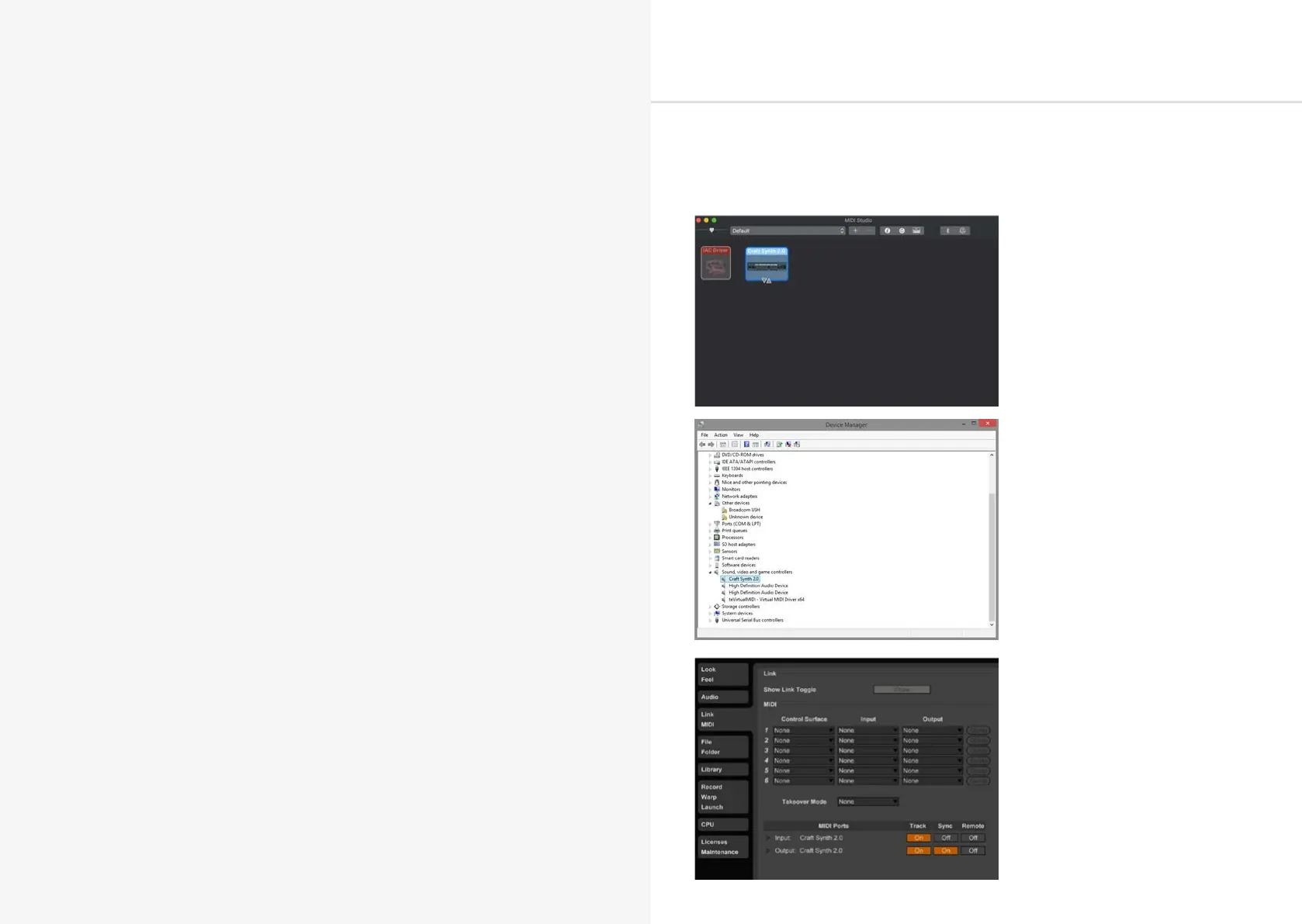
On Mac OSX, CRAFTsynth 2.0 will
show up in ‘MIDI Studio’, found in
Applications > Utilities > Audio MIDI
Setup. (Once open, select Window >
Show MIDI Studio)
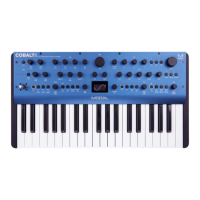
On Windows,CRAFTsynth 2.0 will
show up as a sound device in the
Device manager.
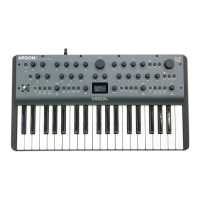
Remember to enable the device
input and output in your DAW’s
preferences.


 To Next Page