EasyManua.ls Logo

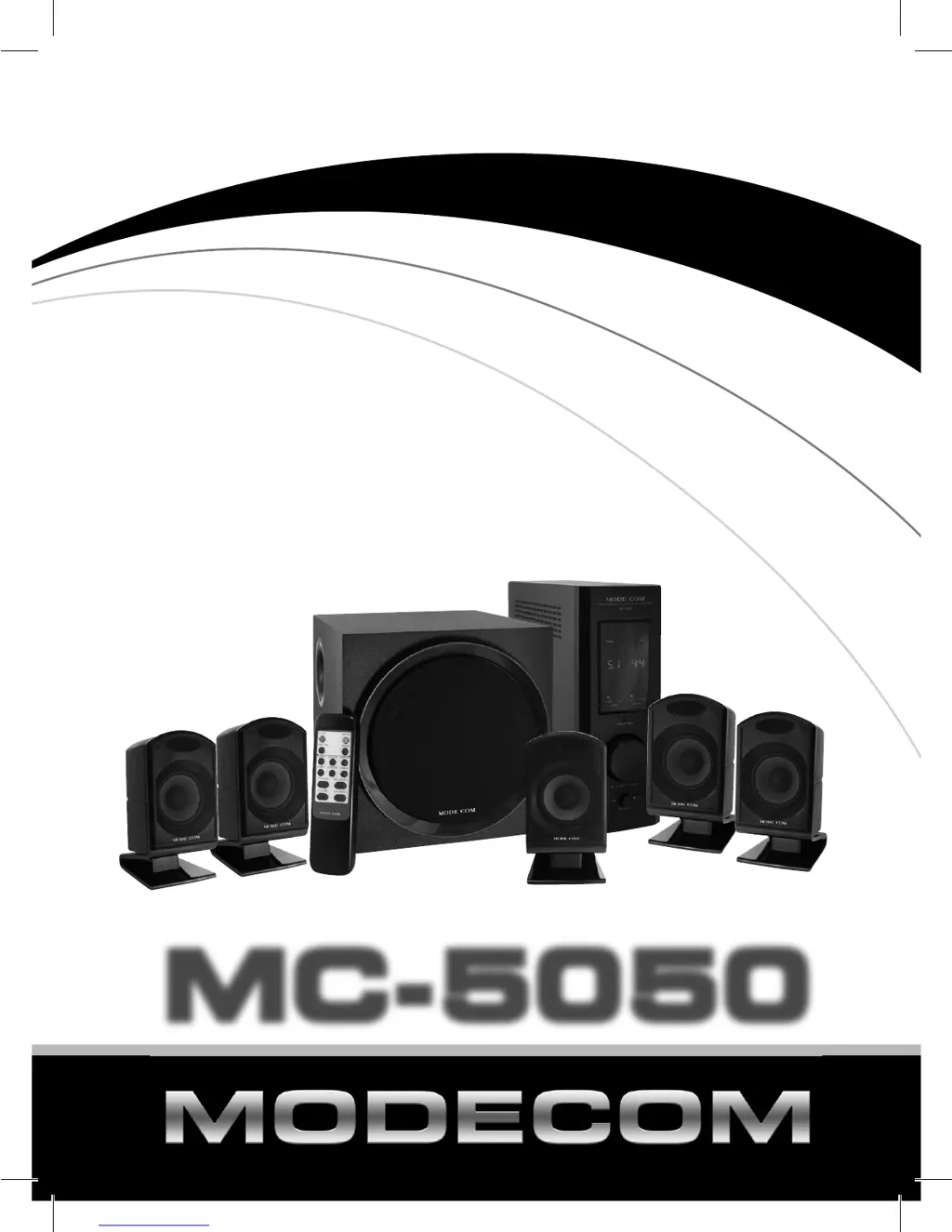
Modecom MC-5050 - User Manual

Modecom MC-5050
16 pages
Print Icon
To Next Page IconTo Next Page
Loading...
MC-5050
MC-5050
U
s
e
r
M
a
n
u
a
l
p
r
o
g
r
e
s
s
i
v
e
m
u
s
i
c
s
y
s
t
e
m

Questions and Answers

  • J
    Julie SummersAug 1, 2025
    What to do if there is no sound from my Modecom MC-5050 Media Converter?
    • E
      Emily MillerAug 1, 2025
      If you're not getting any sound from your Modecom Media Converter, you should first check that the audio source is working correctly. Then, make sure the audio and speaker cables are securely connected. Finally, verify that the volume is set to an appropriate level.
  • J
    Janice DuffyAug 14, 2025
    How to fix a Modecom Media Converter when the POWER LED is not lit?
    • W
      William PorterAug 15, 2025
      If the POWER LED on your Modecom Media Converter is not lit, make sure that the system is turned on. Also, verify that the power cable is properly connected to the power socket.

Summary

Amplifier Panel Functions

Front Amplifier View

Overview of controls and display on the front panel of the amplifier.

Back Amplifier View

Details of input/output sockets and power connection on the amplifier's rear.

Product Overview

Kit Contents

List of all items included in the product package.

Technical Specifications

Detailed technical data, dimensions, and performance metrics.

Key Features

Highlights of the system's main characteristics and advantages.

System Setup and Operation

Connection Instructions

Step-by-step guide on how to connect the speaker system components.

Manual Operation

How to use the amplifier's front panel controls for system management.

Remote Control Operation

Instructions for operating the system using the wireless remote control.

Safety and Remote Control Details

Safety Instructions

Essential safety precautions to follow during system use.

Remote Control Layout

Diagram and explanation of the remote control buttons and functions.

Troubleshooting and Environment

Troubleshooting Common Problems

Solutions for issues like no sound, no power, or remote malfunction.

Environmental Protection Guidelines

Information on proper disposal of electronic waste (WEEE).

Modecom MC-5050 Specifications

General IconGeneral
CategoryMedia Converter
ModelMC-5050
ManufacturerModecom
Ports1x RJ45
Fiber InterfaceSC
Power Supply5V DC
Operating Temperature0°C to 50°C
Humidity5% to 90% non-condensing