English 19
Standard Synthetics
This option is used to dry clothes made from synthetic materials, can with a round of "Standard" or
"Extra".
Time
This option is to set the drying time of 30 minutes, 40 minutes, 50 minutes to 60 min for clothes less
than 1kg.
Delicate
This function is recommended for drying laundry made smooth.
Refresh
This function is to deodorize clothes.
Quick
This function for drying clothes are long and thick.
Airing
This function is to dry clothes without heat.
Wool
This function for drying clothes woolen material, but should remain dried.
Optional Program Button
To optimize the drying process some drying program can be combined with the program "optional".
Optional programs selected after choosing the desired drying program and before pressing the "Start /
Pause". When the button is pressed, the indicator lights as a function of the selected program, when
the button is pressed once more the light will die.
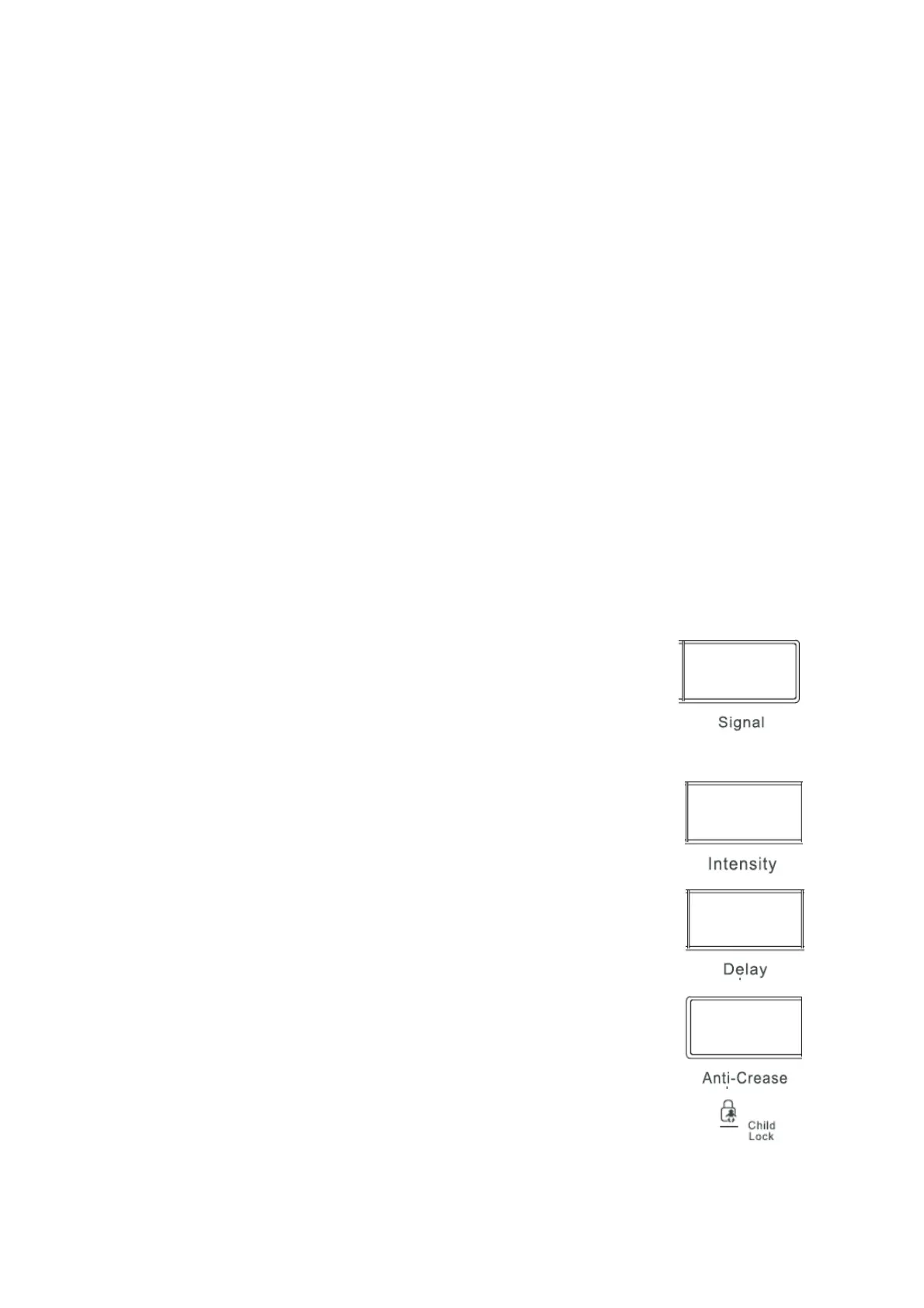
Signal Button
After turning on the unit, the buzzer is off if you do not select any operation.
Buzzer function can be activated or deactivated during the process. By pressing
the "Signal", the bell rings and the indicator light will light buzzer. When the
buzzer is active, there is a sound signal in the following cases:
- When pressing any button.
- At the end of the program.
When the buzzer is active, if you press the "buzzer" once again, the buzzer will die.
Intensity Button
This button lets you select the intensity level,. Intensity can function before
selecting progam.
Delay Button
This button allows you to delay the program start up to 24 hours. To enable this
function select the drying program you want and then select the function "Delay".
Each time the button "Delay" is pressed, the delay time increases 1 hour.The
function "Delay" can be chosen before or after selecting optional program
(Buzzer, Quick, and Delicate),
Anti-Crease Button
This button for anti crease for a maximum of 2 hours on the clothes, if not press
the "Anti-Crease" anti crease not only work for a maximum of 30 minutes.
The indicator light on the control panel
These light indicate the following functions :
- Indicator Lights "Child Lock" This light shows that the program has been locked..


 To Next Page