9
• Connect the power cord with an electrical outlet.
• Slide or press the motor speed regulator button and light switch
to turn vent hood on or off as shown in the following picture.
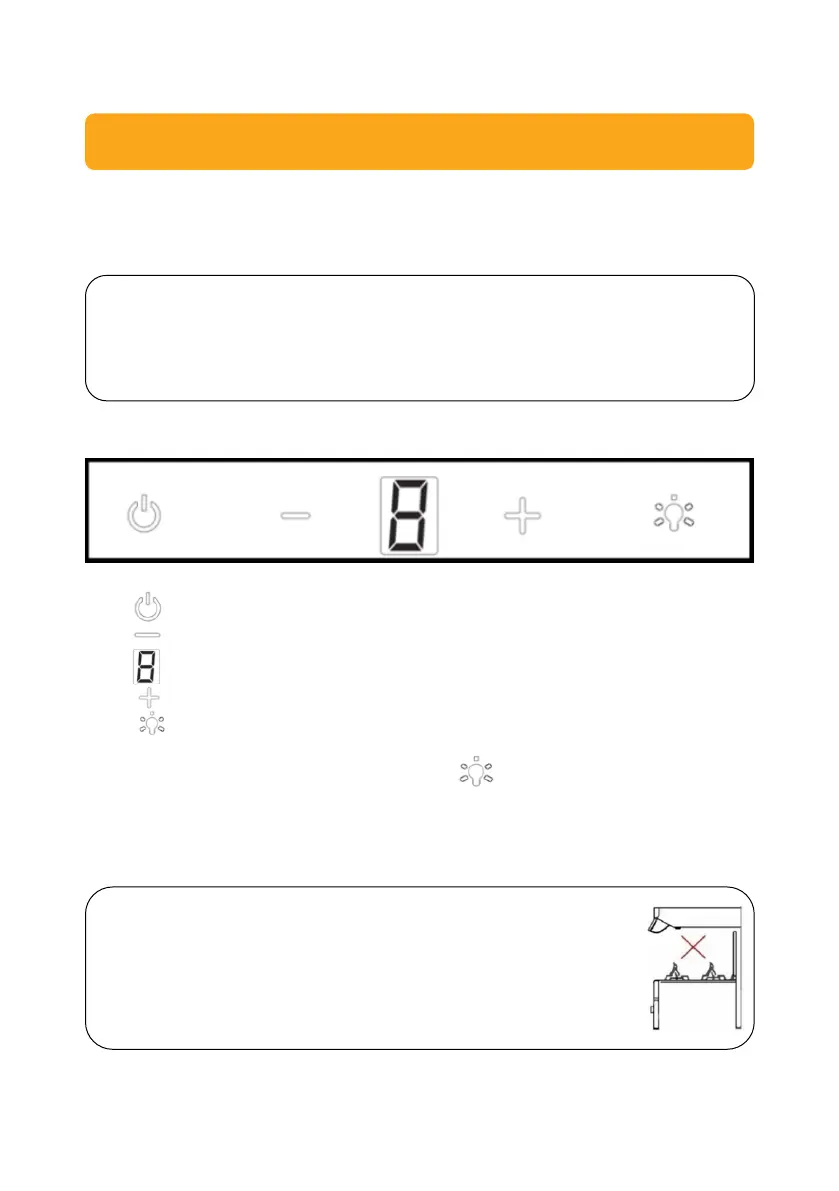
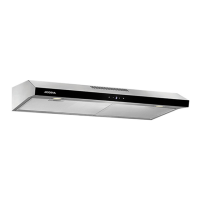
Touch button
= ON/OFF button
= Speed decrease button
= Display
= Spreed increase button
= Lamp button
To active the Timer, press lamp button and hold for 3 second. The
digital display will be flashing and into 5 minutes countdown. After 5
minutes, the motor and the lamp will be turn off automatically, the buzzer
sound for 1 second.
NOTES:
Adjust the motor speed of the vent hood according to the thickness
of smoke/steam generated by the cooking process.
ATTENTION!
• Avoid direct contact between the vent hood and
open flames from the stove.
• To obtain optimum filtering result, turn off the vent
hood 20 – 30 minutes after having finished cooking.


 To Next Page