16
Control Panel
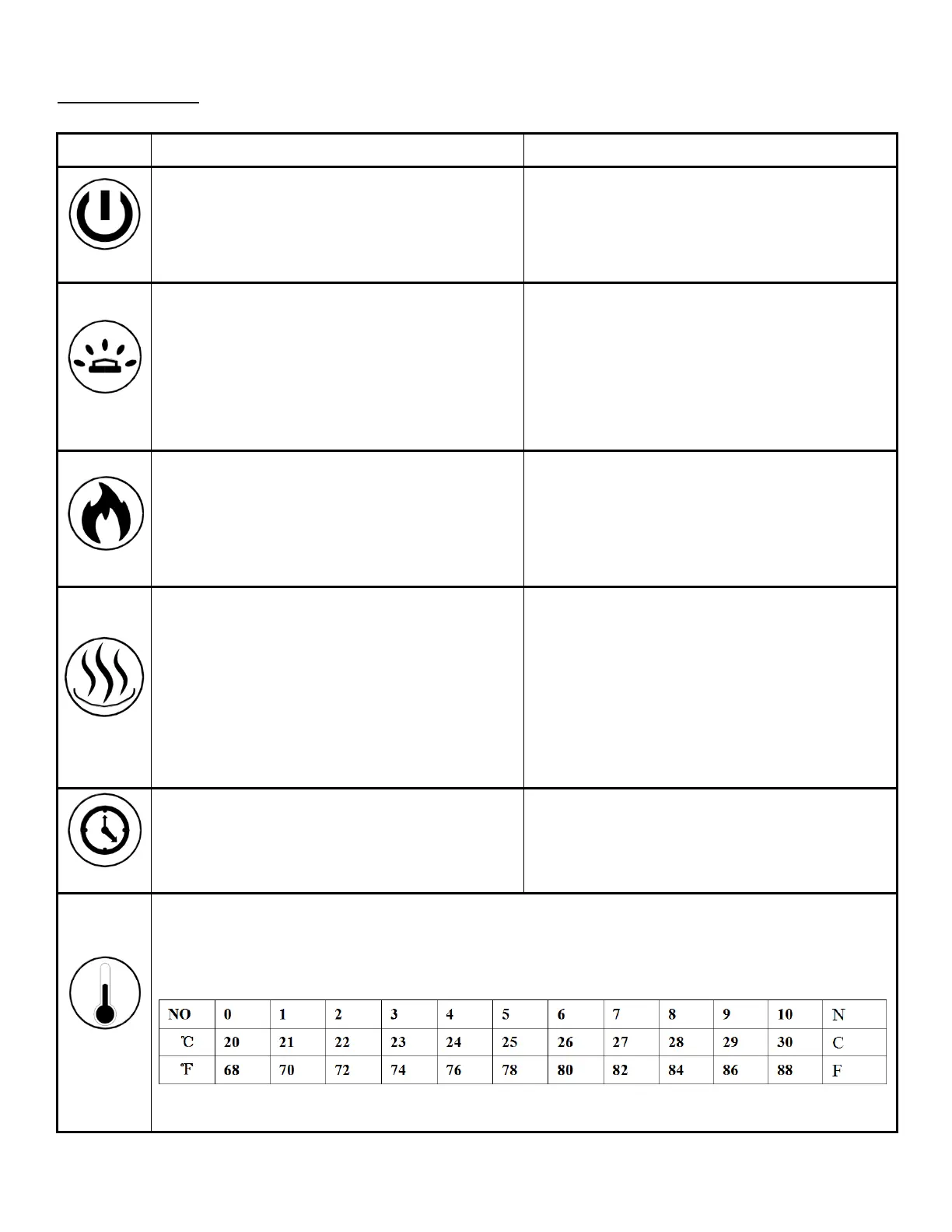
ON: Enables control panel functions and
remote control. Turns on flame.
OFF: Disables control panel functions and
remote control. Turns off flame.
1. Press once: Indicator light turns on.
Power turns on. All functions enabled.
2. Press again: Flame turns off. Unit goes
to standby. All functions turn off.
MEDIA BED button: Turns on media bed
and changes color.
NOTE: this fireplace has memory function
for ember bed.
1. Press once: Turns on ember bed.
2. Press again until desired color is
reached. In total ten colors and one fade
mode.01-02-03-04-05-06-07-08-09-10-11
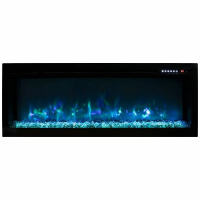
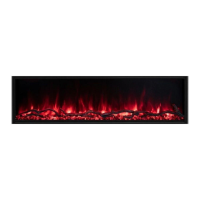
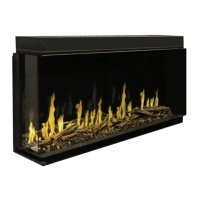
FLAME button: Changes flame color.
NOTE: this fireplace has memory function
for flame.
1. Press once: Flame color illuminates.
2. Press again until desired color is
reached. In total, ten colors for flame and
one fade mode from 01-02-03-04-05-06-07-
08-09-10-11
HEATER button: Turns heater on and off.
NOTE: The heater only works when the
flame is on. If the flame is off, the heater
will not turn on.
NOTE: To prevent overheating, the heater
fan will blow cool air for 8-10 seconds
before the heater turns on and after the
heater turns off.
Turns the heater and blower on/off.
Settings:
H0 - Heater and blower off
H1 - Low Heater on with 750W
H2 - High Heater on with 1465W
NOTE: Press and hold the heater button for 5
seconds to lock/unlock the heater and thermostat.
l
TIMER button: Controls timer settings to
turn off fireplace at selected time.
Settings range from 30 min to 8 hours.
1. Press once: Indicator light turns on.
Timer defaults to 0.5 hours.
2. Press again until desired setting is
reached.
1. Press once: Touch panel indicator becomes active.
2. Press again until desired temperature is reached. Digital display shows settings 0-10.
Table below shows corresponding temperatures:
NOTE: Press the button for 5 seconds to switch between °C and °F.


 To Next Page