1. Modius™ pack - contents
1.
Modius™ headset
2, Modius™ carry case
3. Modius™ Quick Starter Guide and Important Safety and Product Information Guide
4. USB charging cable, 100 electrode gel pads, 100 alcohol wipes.
Note: Items required but not supplied:
•
USB Plug Adapter
•
Android 5.0 or higher, or iOS 9 or higher.
2. Getting started…
Charging your Modius™ headset
• Connect the power cable supplied to a USB socket and to the headset.
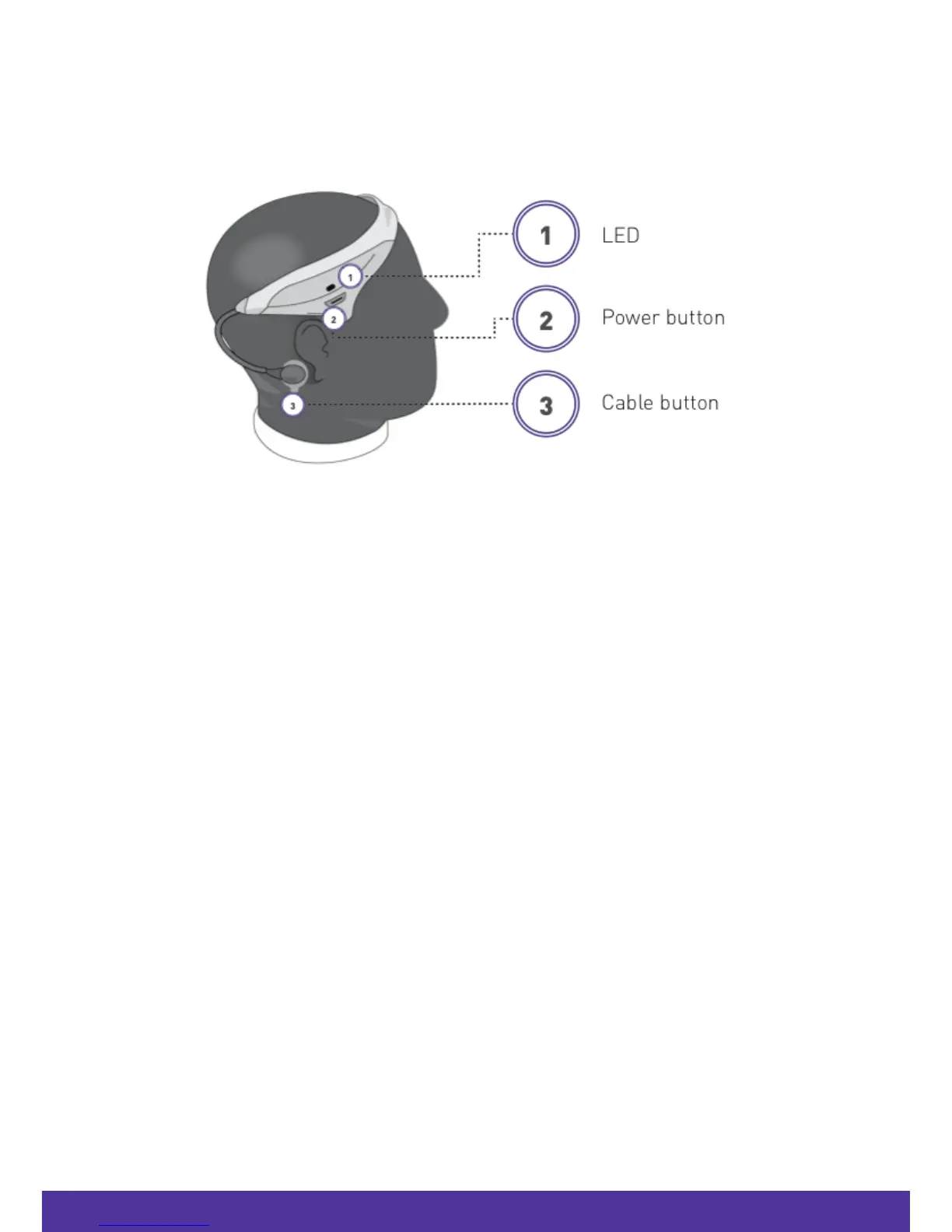
• If the headset is charging successfully the LED indicator will be solid amber.
• When the headset is charged, the LED indicator will turn off.
• If you connect the power cable to the headset and the LED indicator blinks amber, the
device is experiencing a charging error (see “Troubleshooting”).
NOTE: Please ensure you disconnect the charging cable before attempting to use your headset.
1. Modius
™
Pack - Contents
1. Modius
™
headset
2. Modius
™
carry case
3. Modius
™
Quick Starter Guide and Important Safety and Product Information Guide
4. USB charging cable, 100 electrode gel pads, 100 alcohol wipes.
NOTE: Items required but not supplied:
• USB Plug Adapter
• Android 5.0 or higher, or iOS 9 or higher.



 To Next Page