F
One key reverse
1. To ensure One key reverse works well, please ensure corrent take o position as above picture shows.
2. While the drone is in ight, press the reverse button on the remote control, the controller will beep
once and the drone will y in reverse.
3. Push the right control stick to any direction for cancelling this function.
Speed Switch
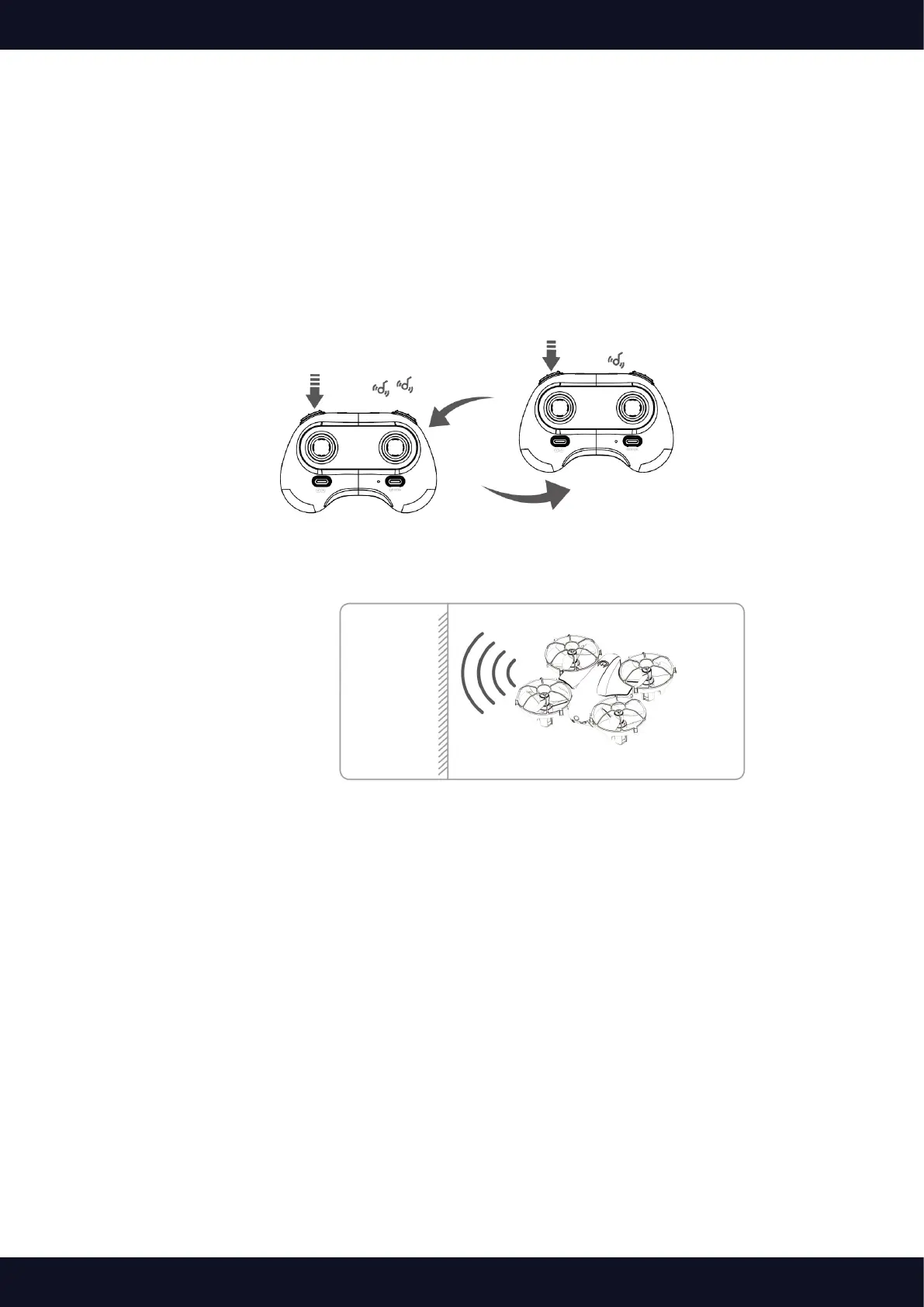
The drone is set to low speed by default. Press the Left upper button down once for medium speed and
there are two beeps from the remote. A Second press will get back to low speed and there is one beep
from the remote.
Obstacle avoidance
The drone is come with 4 sensing points. During the drone’s ying, these sensing point can sense the
obstacle and avoid to crash with it.



 To Next Page