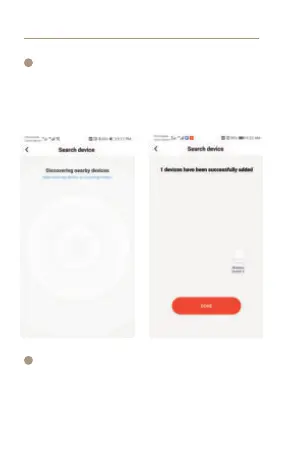
Wait for device networking to succeed, Click “DONE”
to add the device successfully.
*NOTE: lf you fail to add the device, please move the
gateway closer to the product and reconnect the network
after powering on.
APP Operation
5
4
After connecting the network successfully, you will see
the Intelligent Gateway page, choose the WIRELESS
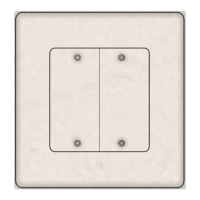
SWITCH 2 to enter the controlling page, then choose“Add
intelligence” enter to the setting mode.



 To Next Page