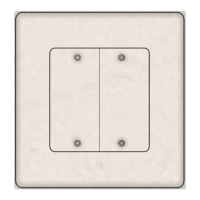
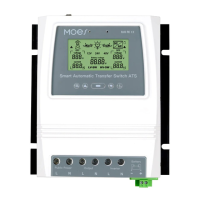
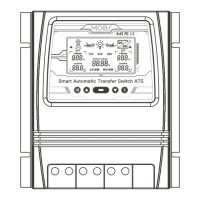
Connection & Operation
Indicator
LED
Button 4
Button 2
Button 3
(Reset)
Button 1
(Reset)
Button 1
(Reset)
Button 1
Button 2
(Reset)
Button 2
(Reset)
Button 3
(Reset)
Button 1
(Reset)
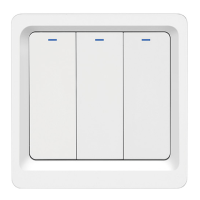
· Indicator LED
Press the button, the indicator will turn on.
The indicator flash quickly, it means that the switch under
process of network connecting.
· Scene Switch Operate
Each one button can be adapted upto three different scenarios
through the APP
Single Click: Activate the 1st scene
Double Click: Activate the 2nd scene
Long Hold 5s: Activate the 3nd scene
Press and Hold Reset Button for 10s get into pair mode, LEDs
will quick flash



 To Next Page