EasyManua.ls Logo

MOISWELL Explorer VP170 - User Manual

Default Icon
21 pages
Print Icon
To Next Page IconTo Next Page
Loading...
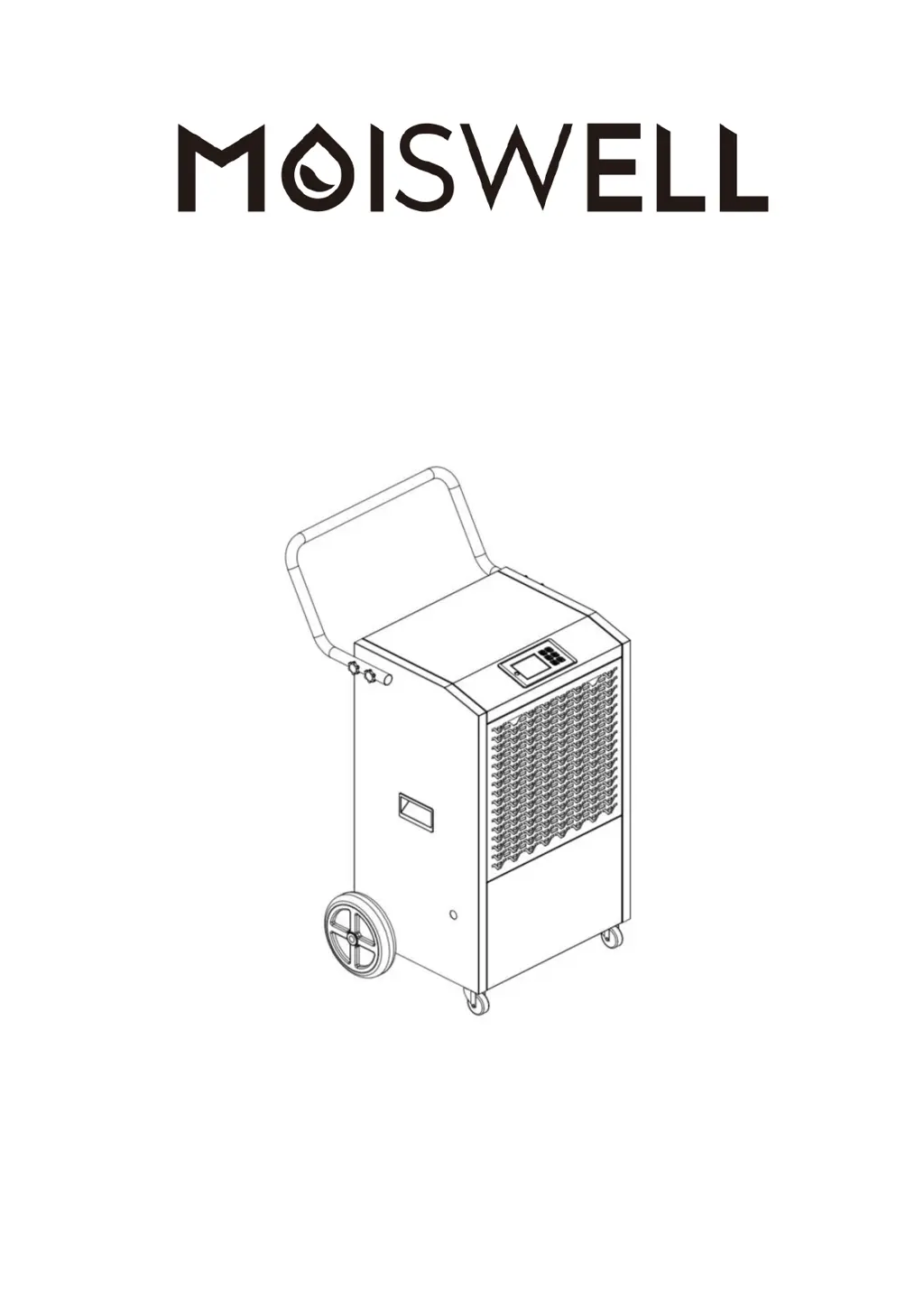
Commercial Grade Dehumidifier
User Manual
Model No.:Explorer VP170, VP240
Email: service@moiswell.com
Please read this User Manual before operating and save for future reference.

Questions and Answers

  • J
    Jose ClaytonAug 7, 2025
    What to do if MOISWELL Explorer VP170 is operating, but room not dry?
    • G
      gsingletonAug 8, 2025
      If your MOISWELL Dehumidifier is running but the room isn't drying, make sure all doors and windows are closed to seal the room. Also, allow the unit more time to operate, as insufficient working time can cause this issue.
  • P
    Pamela SantosAug 16, 2025
    Why MOISWELL Dehumidifier collects little water?
    • C
      christine24Aug 16, 2025
      If your MOISWELL Dehumidifier isn't collecting enough water, several factors could be at play. First, give it more time to operate. Also, a blocked filter or a blocked air inlet/outlet can hinder performance, so clean the filter and clear any obstructions. Low room temperature can also be a cause, so try heating up the room. Finally, check the condensate hose for any blockages.
  • R
    Rebecca ThorntonAug 27, 2025
    How to fix abnormal noise in MOISWELL Explorer VP170?
    • M
      Mrs. Debra Mills MDAug 27, 2025
      If your MOISWELL Dehumidifier is making abnormal noises, ensure it's placed on a horizontal surface. Also, a blocked filter can cause unusual sounds, so try cleaning the filter.

Summary

Welcome

Before First Use

Initial Standing Period

Dehumidifier must stand upright for 24 hours before plugging in to allow compressor oil to settle.

Safety Information

Parts Identification

Operation Instructions

Handle Installation

Instructions for attaching the handle to the dehumidifier unit.

Dehumidifier Placement

Guidance on placing the dehumidifier for optimal performance in an enclosed area.

Drainage Setup

Steps to connect the drain hose for automatic condensate removal.

Power Connection

Important information on connecting the dehumidifier to a power outlet.

Control Panel Overview

Explanation of the control panel buttons and display functions.

Powering On

How to power on the dehumidifier using the Power button.

Reading Room Humidity

Instructions on reading the current room humidity from the control panel.

Setting Humidity Level

Steps to set the target humidity level for the dehumidifier.

Timer Configuration

How to configure the AUTO-ON or AUTO-OFF timer for the dehumidifier.

Condensate Drainage

Procedure for draining condensate, including using the Purge button.

Powering Off

How to safely turn off the dehumidifier using the Power button.

Smart Functions

Compressor Delay Feature

Explanation of the 3-minute delay before compressor operation to prevent damage.

Automatic Defrost Function

How the dehumidifier automatically defrosts when frost builds up on coils.

Automatic Drainage

Description of the built-in pump for automatic condensation drainage.

Auto-Restart Feature

Functionality allowing the unit to restart with previous settings after power loss.

Temperature Protection

How the unit protects itself in high or low temperature conditions.

Technical Specifications

Maintenance

Dehumidifier Exterior Cleaning

Instructions for cleaning the exterior housing of the dehumidifier.

Air Filter Cleaning

Procedure for removing and cleaning the air filter.

Long-Term Storage

Steps for storing the dehumidifier when not in use for an extended period.

Trouble Shooting Guide

Error Codes

Warranty

MOISWELL Explorer VP170 Specifications

General IconGeneral
Dehumidifying Capacity17 liters/day
Coverage Area120 square meters
Tank Capacity4.5 liters
Special FeatureTimer
Control MethodDigital
Dehumidification Capacity17 liters/day
Water Tank Capacity4.5 liters
Operating Temperature Range5°C - 35°C
Dimensions34.5 x 24.5 x 56 cm
Weight12.5 kg