TROUBLE SHOOTING GUIDE
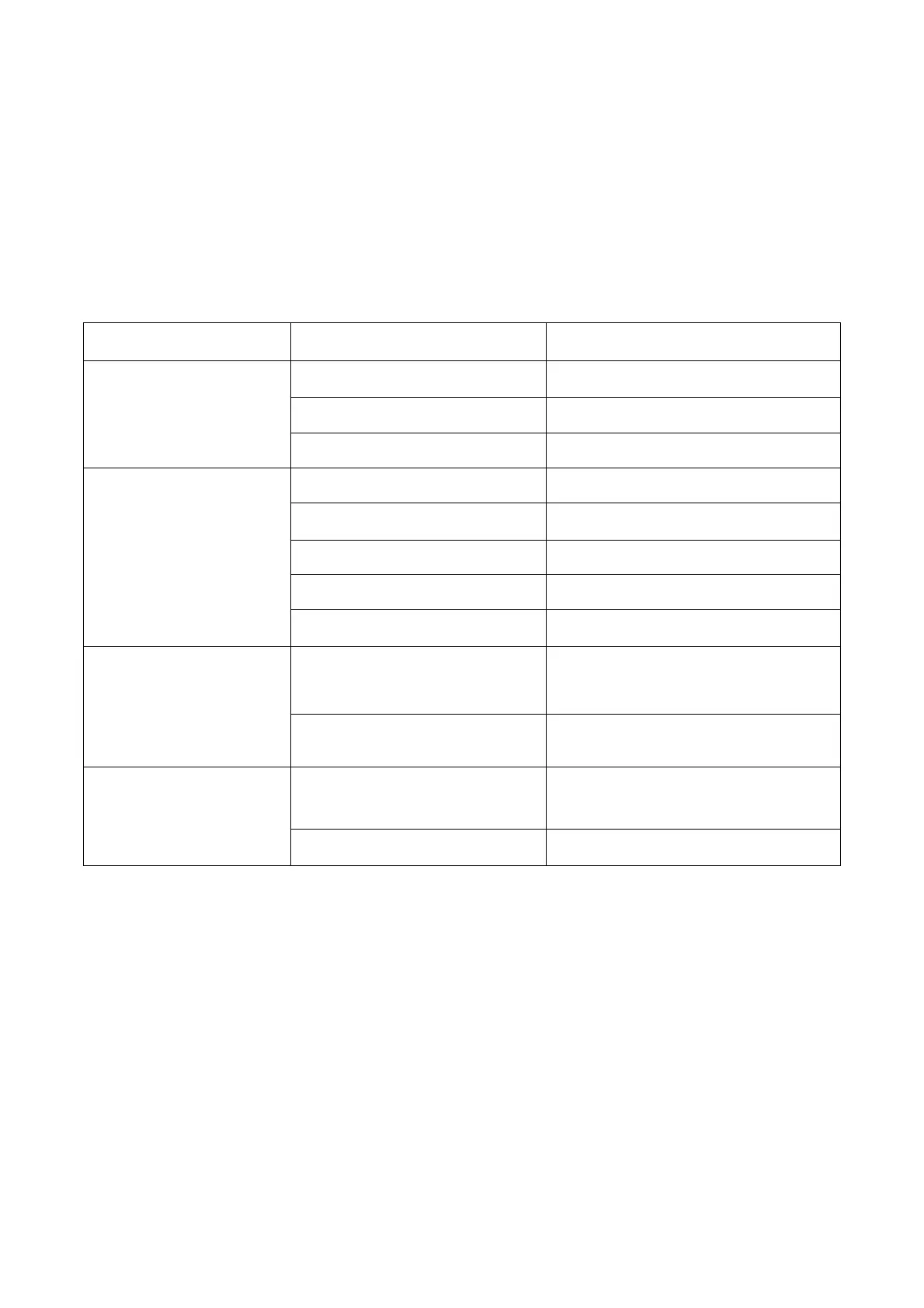
The below chart will help you solve common problems that may occur. If the problem you
come across can not be fixed after troubleshooting or the problem is not listed in the below
troubleshooting chart, please contact MOISWELL customer service to obtain professional
support at service@moiswell.com.
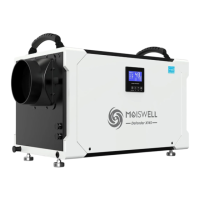
NOTE: It is normal that the dehumidifier pulls warm air out.
Dehumidifier does not
operate
Plug it into a working outlet
Dehumidifier collects
little water
Insufficient working time
Air Inlet or Outlet is blocked
Condensate hose is blocked
Check hose for restrictions
Dehumidifier
operating,
but room not dry
Doors and windows are
open
Seal room from external areas
Insufficient working time
The dehumidifier has not
been placed properly.
Place the dehumidifier in a
horizontal position



 To Next Page