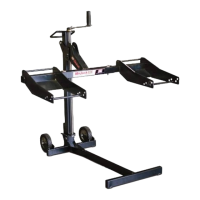
MoJack WorkBench
7
Operating Instructions for use with MoJack EZ
STEP 1
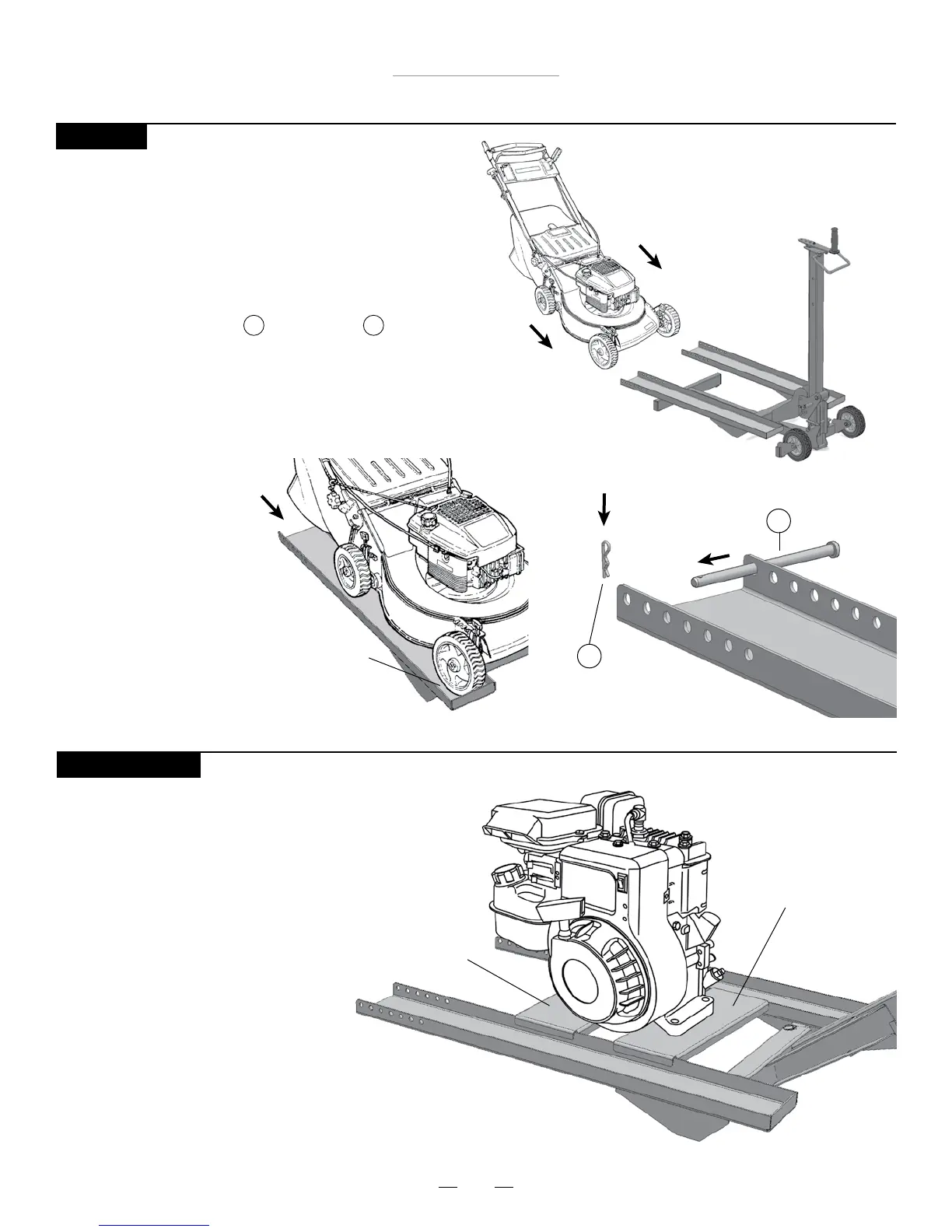
Move push mower onto sleds
s7ITHTHECARRIERARMFULLYLOWEREDLIFTTHEFRONT
end of the push mower onto the sleds and
then move the push mower so that the front
wheels of the push mower are touching the
front of the sleds.
s3ECURETHEPUSHMOWERTOTHESLEDSBY
attaching the Clevis Pin and Hair Pin
as shown.
5 6
Front wheels
touching front
of sled
Clevis Pin
5
Hair Pin
6
STEP 2 (Optional)
With the WorkBench inserts secured between
the sleds. Place desired object to be lifted
onto the inserts.
WorkBench Insert
WorkBench Insert



 To Next Page