22
English
4.8 Equaliser
For sound adjustment, it is possible to select
8 presettings or to save a user-defined sound
setting.
1) Press the button MENU.
2) Select the following:
System settings Equaliser
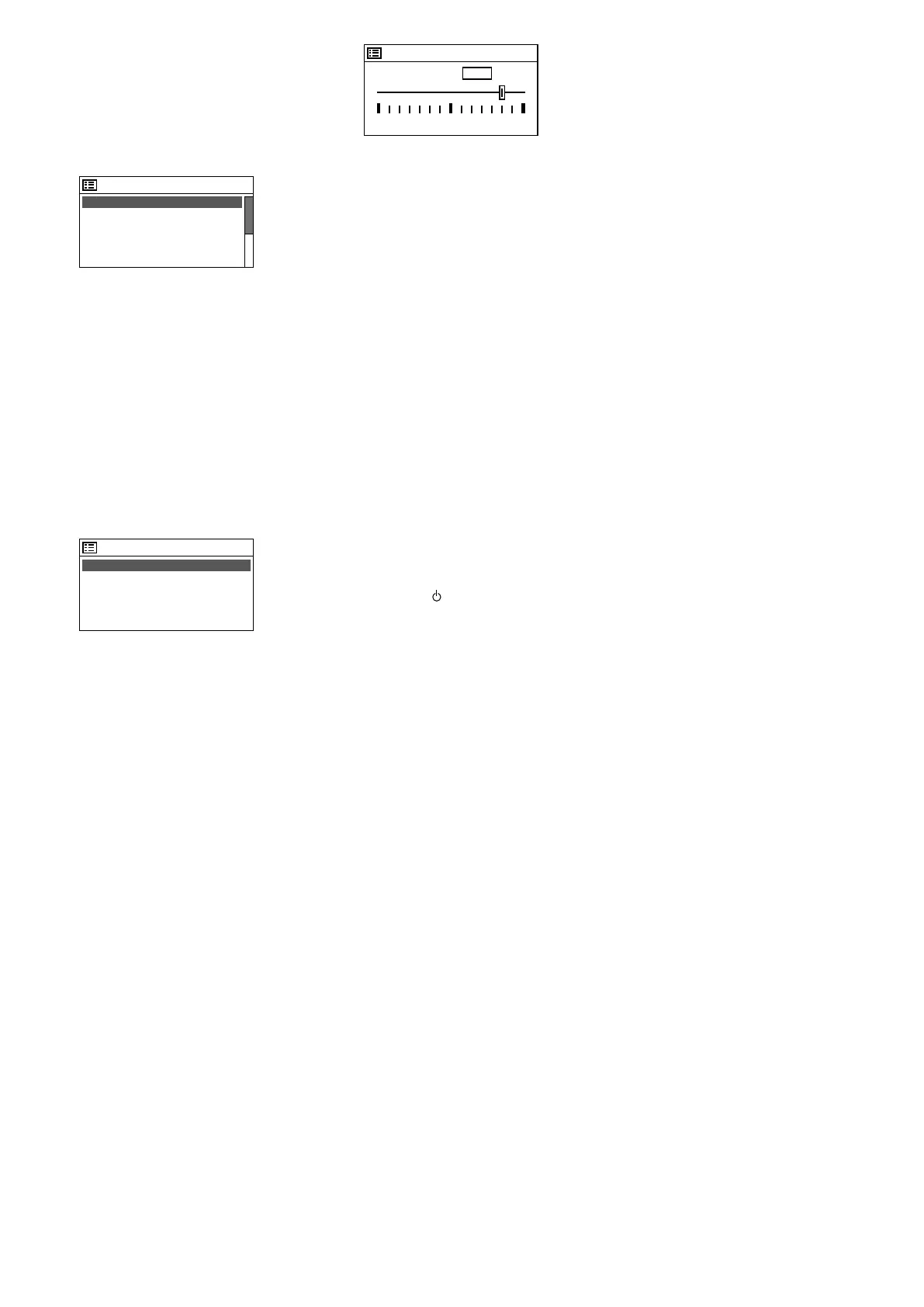
Equaliser
Normal *
Flat
Jazz
Rock
Movie
Fig. 49
3)
The current setting is indicated by an aster-
isk *. Beneath the line Movie, additional
presettings are available:
Classic
Pop
News
My EQ
My EQ profile setup >
Turn the knob CONTROL SELECT to select
the sound adjustment and then press the
knob to activate it.
4) For a user-defined adjustment, select the
line My EQ profile setup and call
up the following menu:
My EQ profile setup
Bass: 0
Treble: 0
Loudness: Off
Fig. 50
5) Select the line Bass and then press the
knob CONTROL SELECT. A submenu with
an adjustment scale will appear:
Bass
Bass
-14 14
dB
10
Fig. 51
6)
Turn the knob CONTROL SELECT to adjust
the sound and then press the knob to re-
turn to the previous menu.
7) Adjust the high frequencies accordingly.
8)
In the line
Loudness
, press the knob
CONTROL SELECT to activate or deactivate
the aurally compensated sound correction
(boosting of the high frequencies and low
frequencies when the volume is low).
9)
When the sound has been adjusted as
desired, press the button BACK. The unit
will ask:
Save changes?
Confirm with YES (preset).
10)
The menu with the sound presettings will
appear again (fig. 49). For the user-defined
sound adjustment to take effect, select
the line
My EQ
and confirm. The menu
“System settings” will appear, and shortly
afterwards the current operating mode will
be indicated again.
4.9 Switching off the unit
When the unit is switched off with the button
STAND BY (or on the remote control), the
display will continue to show the date and
the time. Use the same buttons to switch the
unit on again.
Use the mains switch POWER to com-
pletely switch off the unit.
5 Specifications
Reception frequencies
FM: . . . . . . . . . . . . . . . .87.5 – 108 MHz
DAB(+): . . . . . . . . . . . . . 174.928 MHz to
239.200 MHz
Audio input AUX: . . . . . . . .1.2 V, 3.5 mm jack
Outputs
Line: . . . . . . . . . . . . . . . .750 mV, RCA
Headphones: . . . . . . . . .1 V, 3.5 mm jack
Audio formats supported: .MP3, WMA, WAVE,
AAC, FLAC
Menu languages: . . . . . . . . English, French,
German, Italian,
Spanish
Power supply
Mains voltage: . . . . . . . .230 V/50 Hz
Power consumption: . . . .20 VA max.
DC power supply
(alternative): . . . . . . . . . . 15 – 25 V⎓
300 mA at 15 V
Battery for
remote control: . . . . . . . . 3 V, 1 × CR 2025
Dimensions: . . . . . . . . . . . 482 × 44 × 245 mm
Weight: . . . . . . . . . . . . . . . 2.7 kg
Subject to technical modification.
All rights reserved by MONACOR
®
INTERNATIONAL GmbH & Co. KG. No part of this instruction manual
may be reproduced in any form or by any means for any commercial use.


 To Next Page