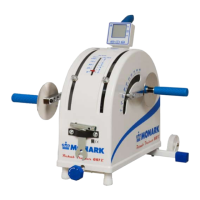
Setting of terminal
When using a terminal (Art. No: 9339-51) do as
follows:
Connect the terminal to the bike using the 1.
enclosed cable.
Connect power to the bike.2.
When the main menu is displayed on the LCD-3.
screen press 99 and the hidden service menu
appears.
Press 6, ”Settings”.4.
Press ENTER (normally 13 times) until the 5.
display ”Command type” appears.
a) Press 1 and ENTER if the bike is connected
to a Siemens Megacart ECG device.
b) Press 2 and ENTER if the bike is connected
to other ECG device with an Ergoline
protocol for communication, alt 1.
c) Press 3 and ENTER if the bike is connected
to other ECG device with an Ergoline protocol
for communication, alt 2.
d) Press 0 if the bike is connected to a terminal
or PC.
6. After that press 0 twice to go back to main
menu.


 To Next Page