Get tracking
; See page 8 on advice where to place the tracker.
1.
Fully charge the battery until the red charging LED goes out before using – see below
2.
Insert the SIM card and turn on outdoors. (on/off switch is next to SIM slot)
LEDs flash when GSM and GPS signals are located
3.
Pair your mobile phone to the tracker and set the time zone – page 5
4.
Set the desired upload frequency of location & start reporting
5.
Download the mobile APP and logon to see your tracker.
BATTERY & CHARGER
Charge until the red charging LED goes out.
Charging time varies according to the battery state. Allow 12~24 hours.
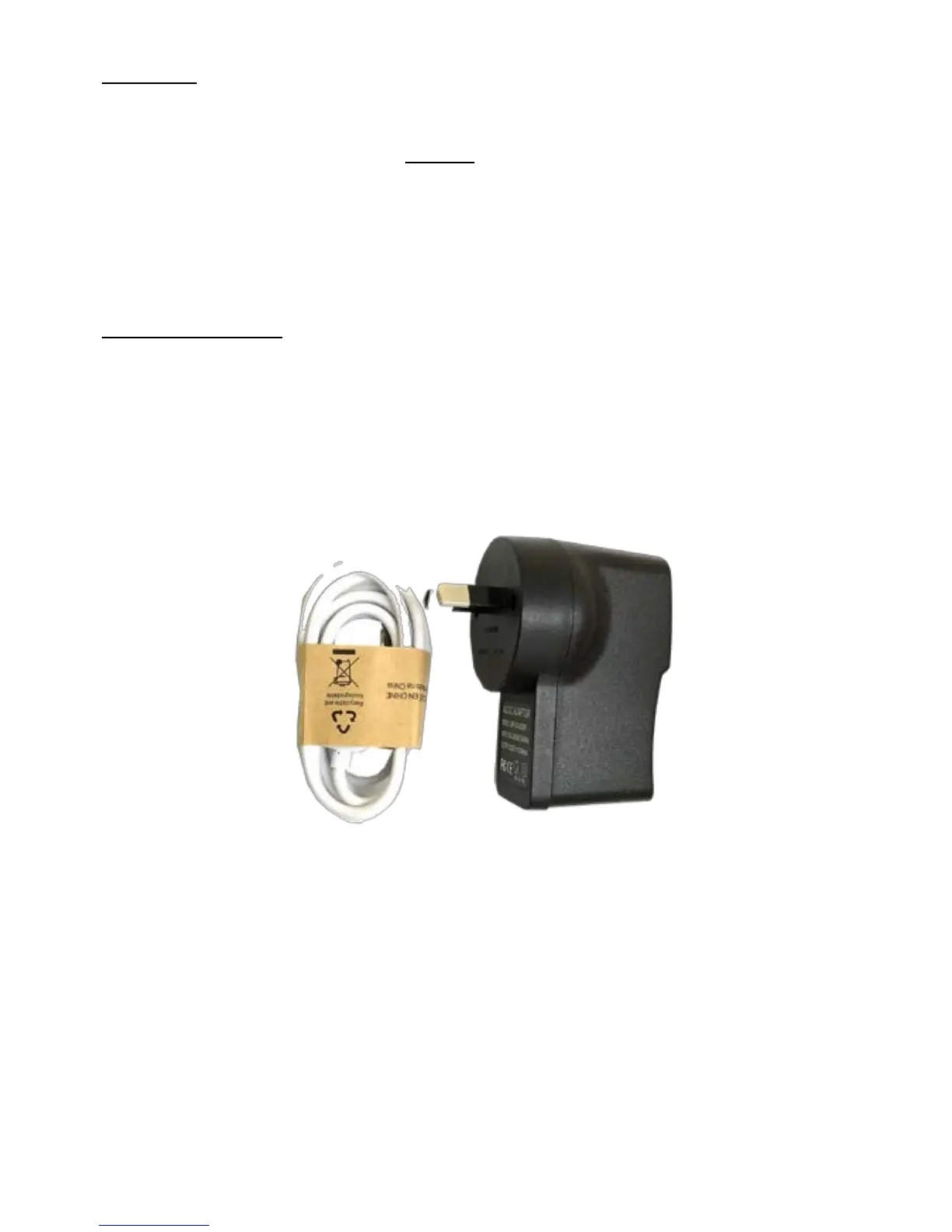
Use the charger supplied.
The charging lead has a USB connector to the supplied wall charger.
NOTE: Do not use the USB lead connected to other equipment such as a computer to
charge - charging may not occur or be considerably extended.
The battery is 20,000mAh Li-ion and allows for up to 6 months on standby.
Battery life is shorter when being used and is dependent on the settings chosen.
Example: If used to track a vehicle when moving, battery life is approximately 8~12
weeks.


 To Next Page